


How to Stream Metroid Prime 4 on Switch 2: Best Capture Settings (2025 Guide)
Reviewed by: AVerMedia Gaming Team
Last Updated: November 28, 2025
Category: Streaming Hardware / Nintendo Switch 2
Reviewed by: AVerMedia Gaming Team
Last Updated: November 28, 2025
Category: Streaming Hardware / Nintendo Switch 2
To stream Metroid Prime 4: Beyond without input lag or compression artifacts, you need a capture card that handles high-motion FPS gameplay and next-gen resolutions.
Before you start streaming, it is vital to understand how Metroid Prime 4: Beyond differs from the Prime 1 Remaster. We aren't just looking at a graphical bump; we are looking at a fundamental shift in how the game is played and rendered on the Nintendo Switch 2.
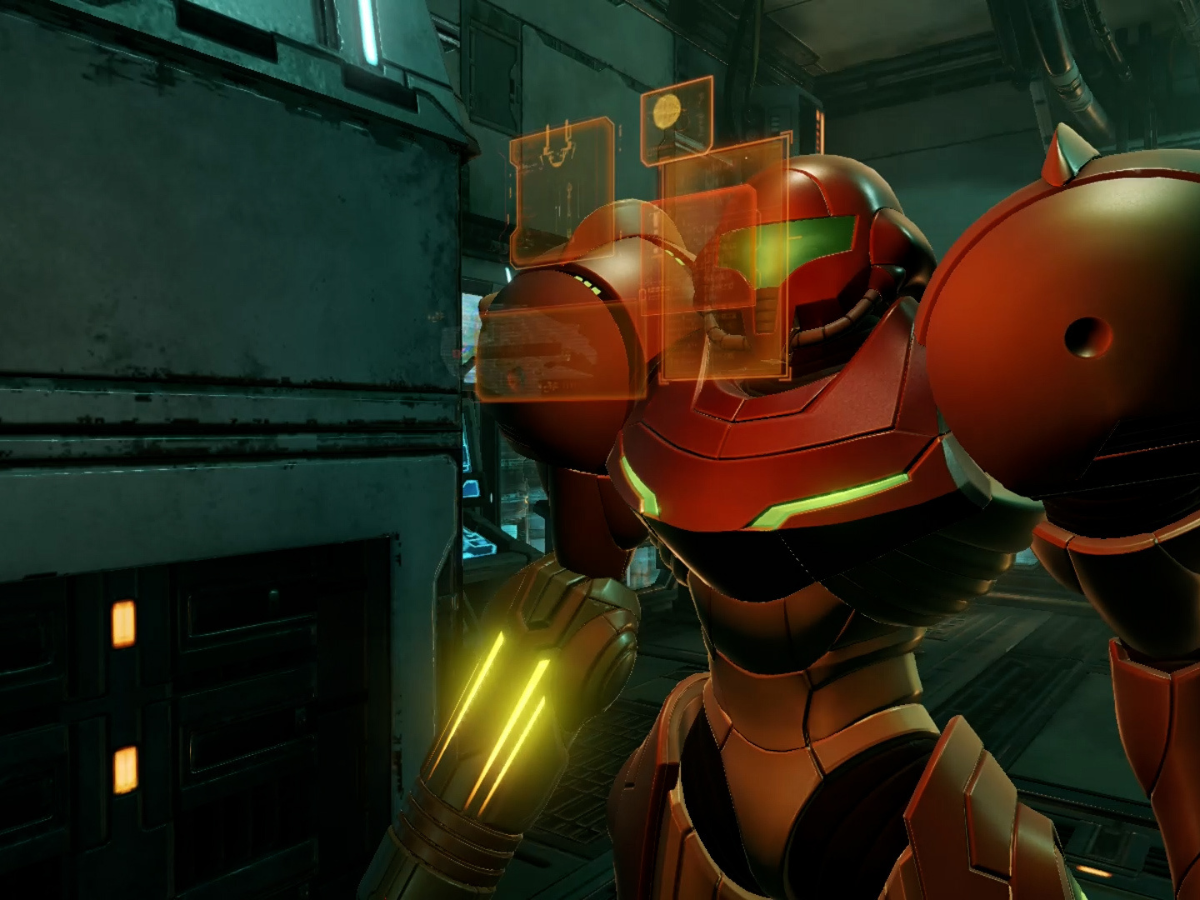
Metroid Prime Remastered was a technical marvel for the original Switch, locking in a solid 60fps at 900p/1080p. Prime 4 on Switch 2 blows the doors off these limits.
The Change: The game targets 4K60 in Docked Mode with real-time global illumination.
Why it matters for Streaming: You can no longer get away with a budget 1080p capture card if you want to showcase the game's true fidelity. You need a card like the Live Gamer ULTRA S to downscale that 4K signal properly, or your stream will look blurry compared to the source.
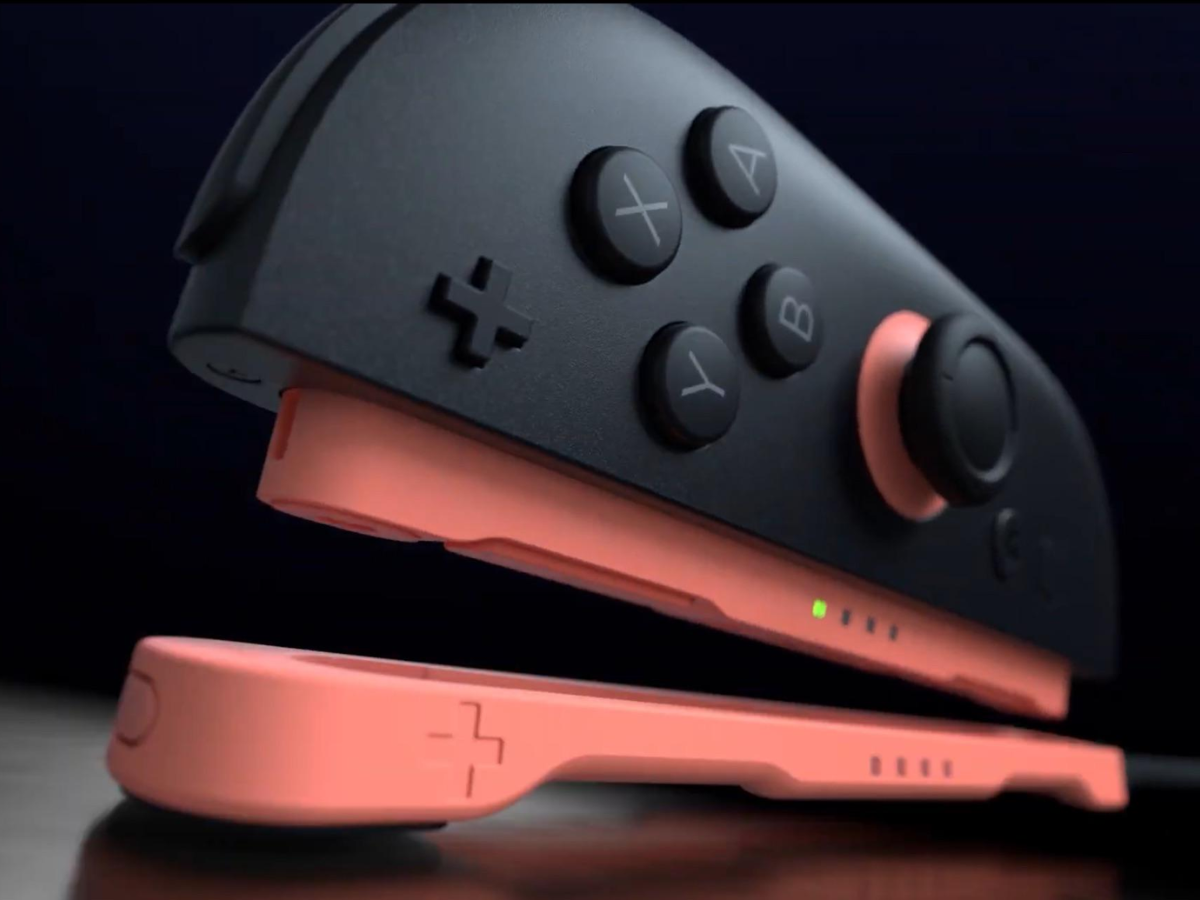
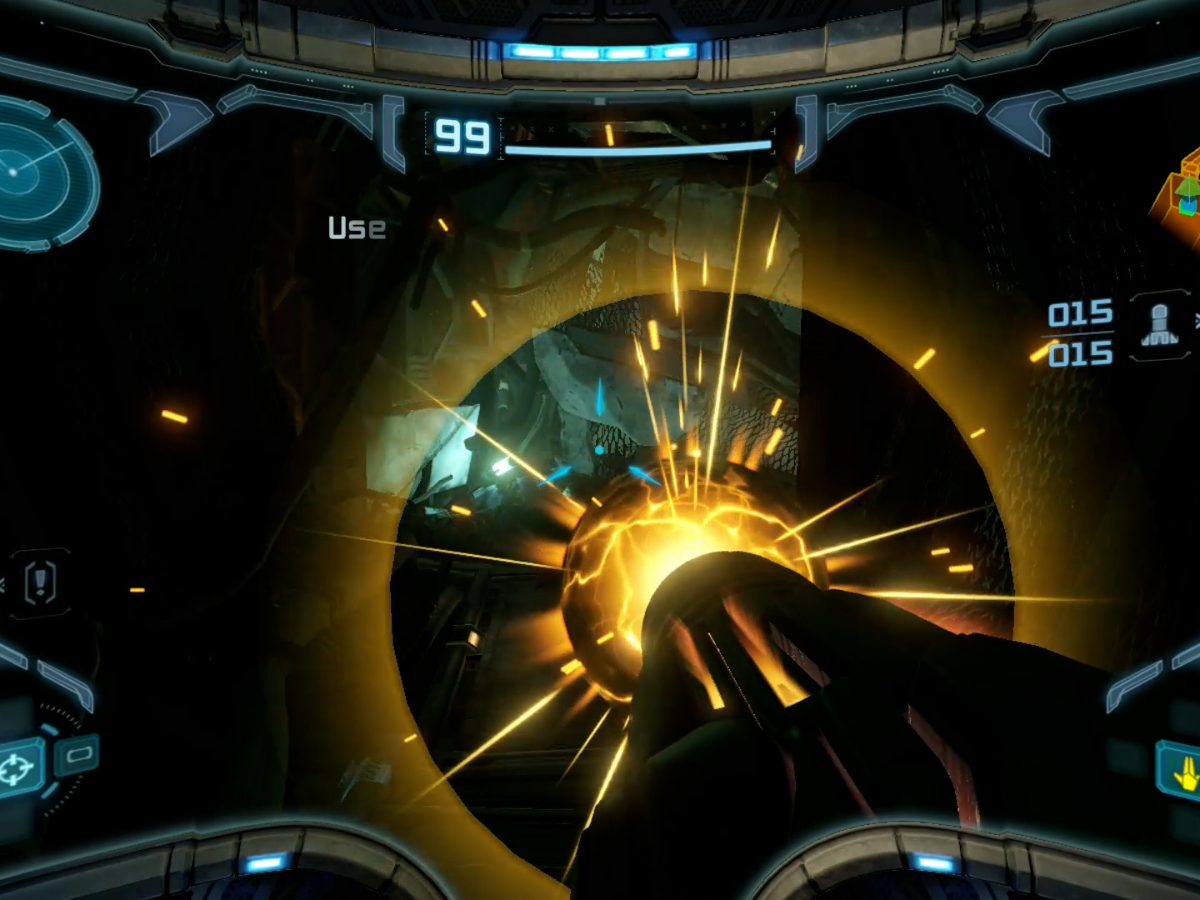
The biggest gameplay shocker is the control scheme. While Prime Remastered offered dual-stick controls, Prime 4 utilizes the Switch 2's new hardware capabilities.
The "Joy-Mouse": The right Joy-Con 2 can now be used as an optical mouse on a flat surface. This gives Samus 1:1 PC-style aiming precision, allowing for snap-shots that were impossible on a thumbstick.
Psychic Abilities: Instead of simple elemental beams (Ice/Plasma), Samus now uses a Psychic Visor to physically manipulate enemies. You can "curve" missiles mid-air or rip shields off space pirates using physics-based gestures.
Streaming Tip : These faster, twitch-based mouse movements create more data for your encoder. A higher bitrate setup is essential to prevent blocky artifacts during rapid 180-degree turns.
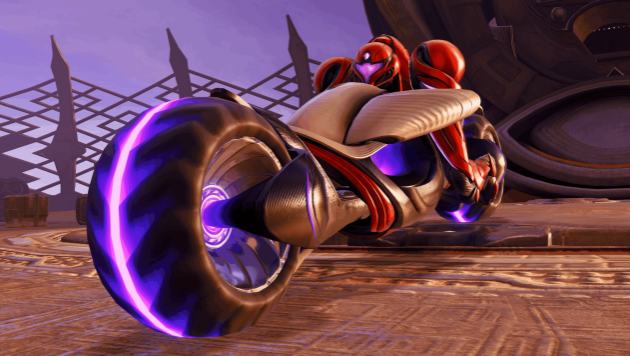
Prime 1 was a claustrophobic, interconnected maze. Prime 4 introduces the Sol Valley Hub—a massive open zone.
The Vi-0-La Cycle: Samus now has a hover-bike for traversing these large distances. The high-speed motion of the bike combined with the detailed sand particle effects creates a "bitrate killer" scenario for streamers.
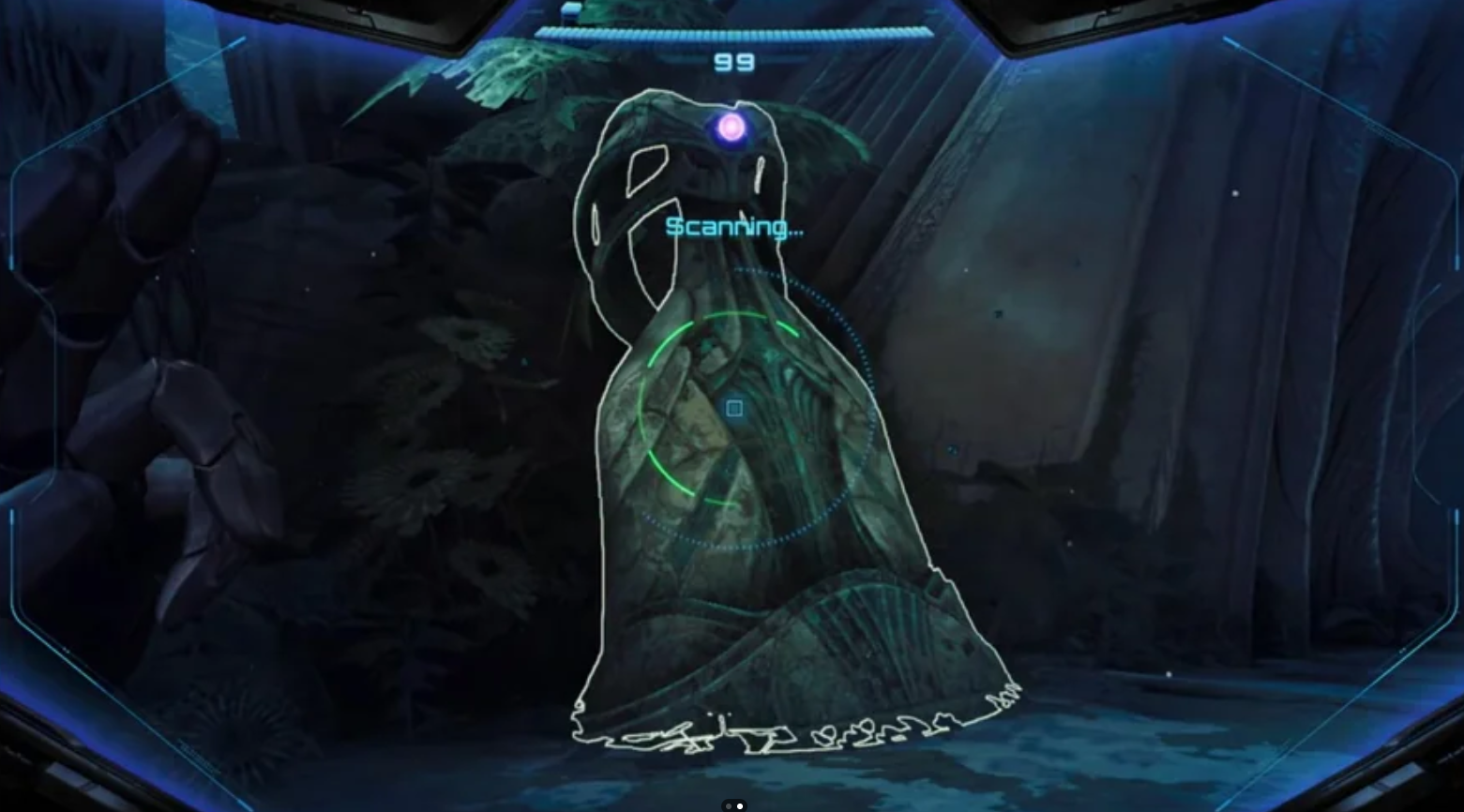
With these massive improvements come massive technical demands. Here is why generic capture cards fail to capture the "Next-Gen" experience.
1. High-Speed Motion & Bitrate Needs
When boosting the Vi-0-La Cycle across the desert, the screen is filled with millions of shifting pixels (sand, heat haze, motion blur). Standard cards compress this into a muddy mess. You need the high-bandwidth ingestion of the Live Gamer ULTRA S to keep the horizon sharp.
2. HDR Tone Mapping
The new Psychic Visor uses high-contrast neon purples and deep blacks. Without HDR Pass-Through, your stream will crush these blacks, making dark caves look like gray sludge.
Here is the best gear to handle Samus's new arsenal.
| Capture Device | Best Use Case | Max Resolution | Key Tech Spec |
|---|---|---|---|
 Live Gamer ULTRA S Live Gamer ULTRA S | Pro FPS Streaming | 4K60 HDR | VRR & HDR Pass-through |
 X'tra Go X'tra Go | Mobile / Events | 4K30 / 1080p120 | Standalone Recording (No PC) |
 Streamline Mini+ Streamline Mini+ | Entry-Level / Budget | 1080p60 | Zero-Lag Pass-through |
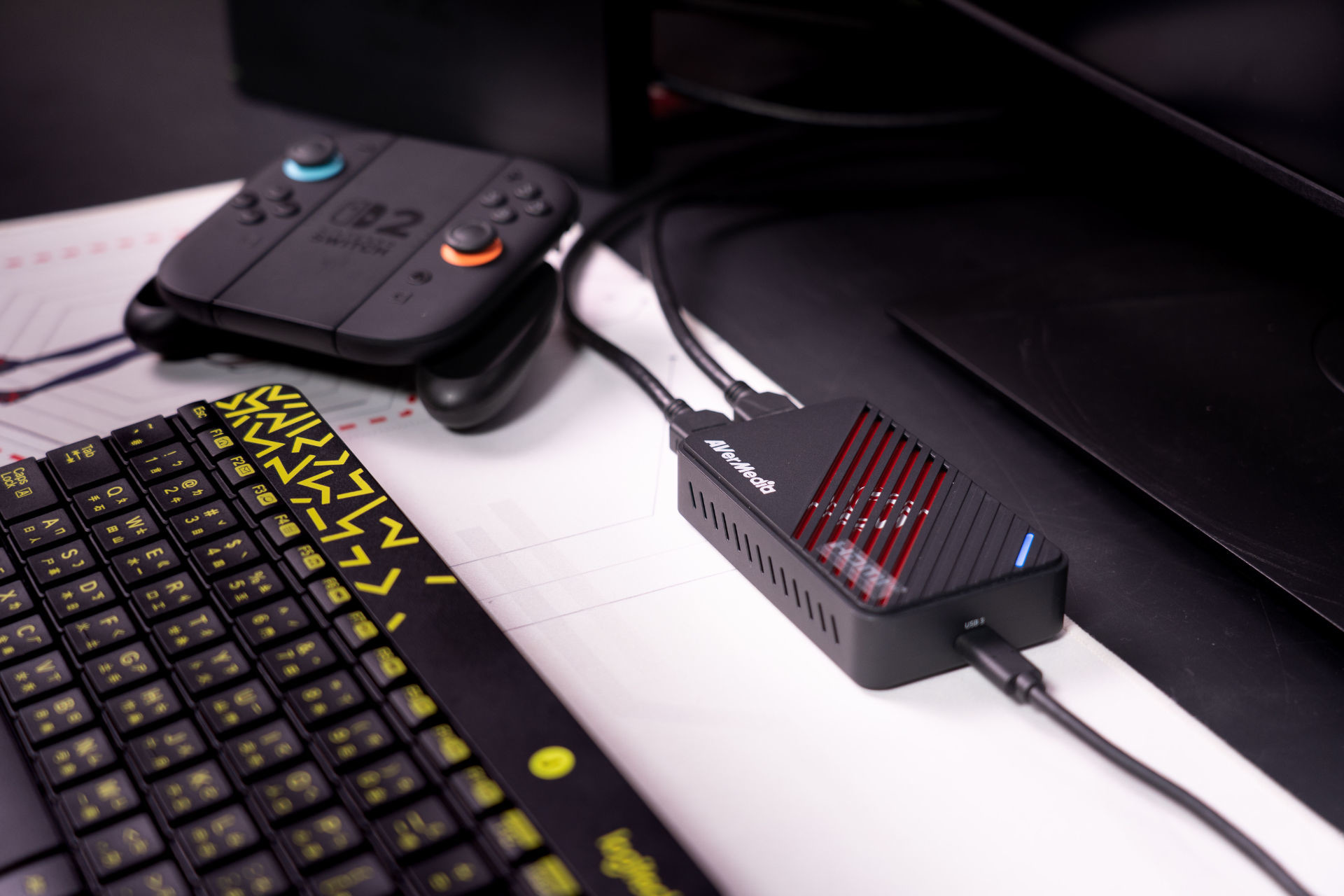
Target Audience: Creators who need to capture the Psychic Visor's neon intensity in 4K HDR.
If you are using the Switch 2's "Quality Mode" (4K60), you need a card that can match it. The GC553 Pro supports HDR, ensuring the vibrant energy effects of the Psychic Visor pop on screen just like they do on your OLED TV.
Why it matters for Samus: The Variable Refresh Rate (VRR) is critical for the new Control Beam mechanics. When you trigger "bullet-time" to manually guide a curve-shot around an enemy's shield, the particle effects spike. VRR keeps these precision-heavy moments buttery smooth.
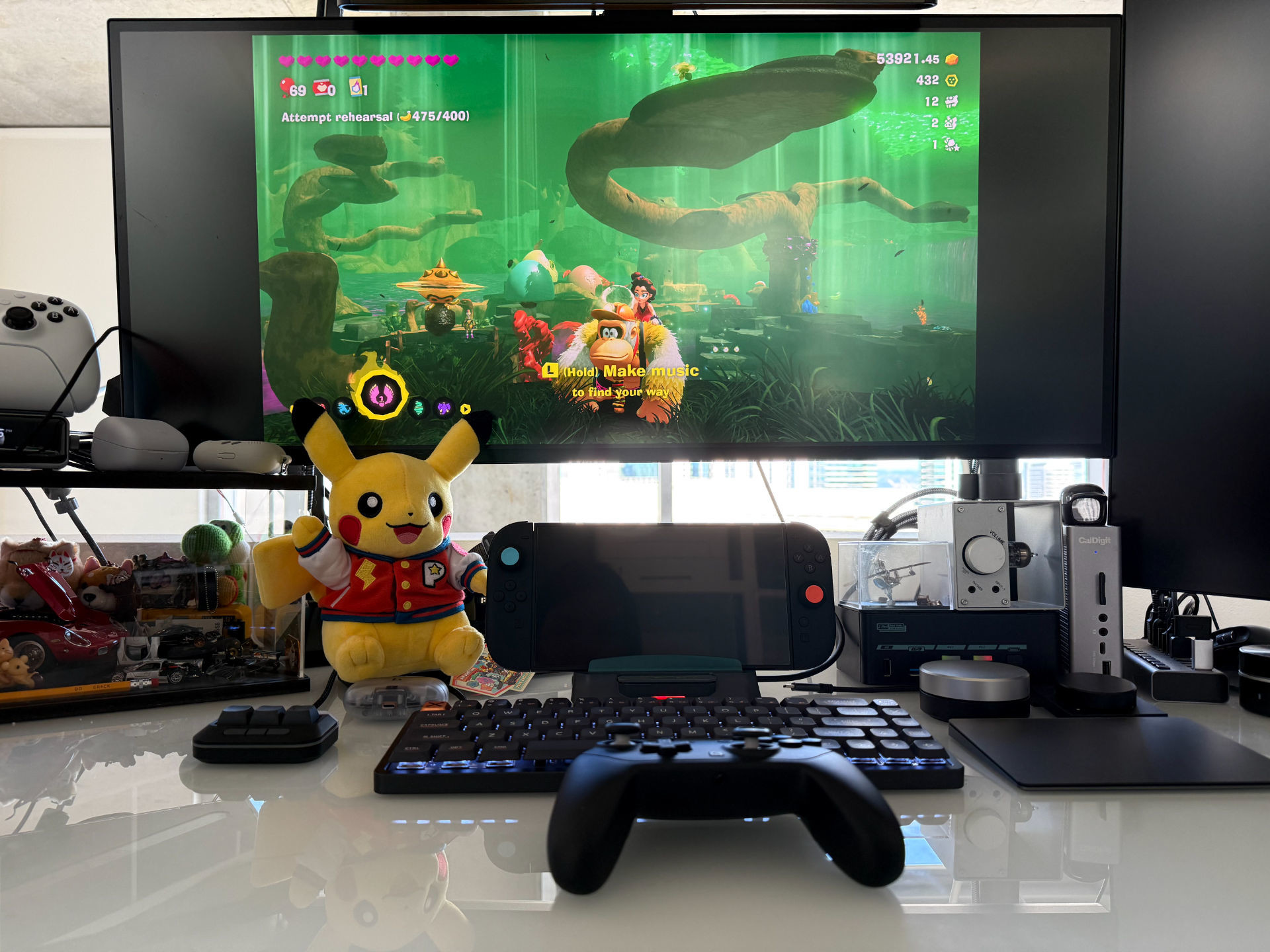
Target Audience: Hunters collecting Missile Expansions on the go.
Metroid games are famous for their secrets. The X'tra Go is unique because it lets you capture those moments anywhere. If you are grinding for 100% completion in handheld mode or playing at a friend's house, you simply dock the Switch, hit one button, and record directly to an SD card.
Why it matters for Samus: You can instantly save a clip of a hidden Energy Tank location without stopping to boot up OBS.
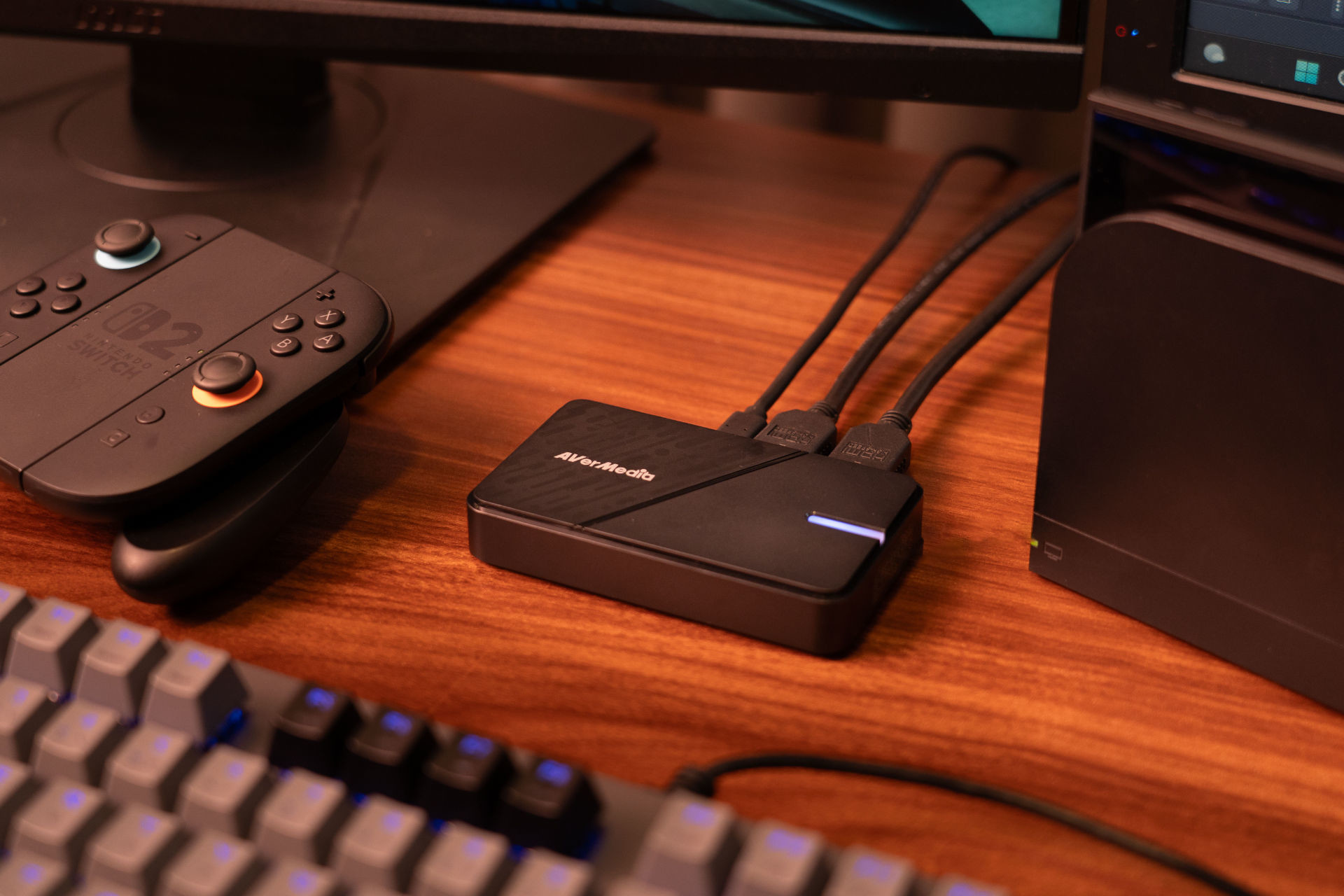
Target Audience: New recruits needing twitch‑reflex precision.
Latency is the enemy of the new Mouse Mode controls. The Streamline Mini+ delivers optimized zero‑latency 4K60 HDR passthrough, giving you an instant, crystal‑clear view of the action. When you're using the Joy‑Con as a mouse to snap to a target, you cannot afford even a millisecond of delay — this card keeps your movement feeling truly 1:1 on your TV.
Why it matters for Samus: It keeps your aim snappy during frantic, particle‑heavy boss encounters where every split‑second dodge counts.
What bitrate should I use for streaming Metroid Prime 4 on Twitch or YouTube?
For high‑motion gameplay, start at 8,000–12,000 Kbps for 1080p60, and 15,000–20,000 Kbps for 4K30/4K60 (YouTube only). Prime 4's rapid turning, psychic particle effects, and hover‑bike movement require more encoding headroom than typical Switch titles.
Is VRR important for streaming?
Yes — especially for Metroid Prime 4. The GC553 Pro supports Variable Refresh Rate, which smooths out fluctuating frame pacing during psychic combat effects and bullet‑time aiming sequences. VRR doesn't directly affect your stream, but it ensures your pass‑through gameplay is smooth, which improves performance and consistency.
Do I need a 4K monitor to stream Prime 4 in 4K?
No. As long as your capture card supports 4K input (like the ULTRA S), you can record or stream in 4K even if your display is 1080p. This is useful for creators optimizing for YouTube's higher-quality compression.
Which capture card is best for beginners who still want sharp image quality?
The Streamline Mini+ (GC311G2) is ideal. It captures clean 1080p60 footage with zero‑lag pass‑through, making it perfect for creators who want simple plug‑and‑play setup without sacrificing responsiveness in Mouse Mode combat.
Will these capture cards work with future Switch 2 games?
Absolutely. All recommended AVerMedia devices support 4K, HDR, and high-motion gameplay, making them ideal for any future Switch 2 AAA titles — especially action, FPS, or open‑world games with heavy particle rendering.
Does streaming in HDR require a special setup?
To capture HDR correctly, you need:
Why does Prime 4 gameplay look blurry on some stream s?
This usually happens when:
What is the best budget-friendly setup for high-quality Metroid Prime 4 streams?
A simple but effective setup is:
Streaming Metroid Prime 4: Beyond on the Switch 2 requires more than a basic 1080p capture card — the game's 4K60 output, HDR effects, fast traversal, and new Mouse Mode aiming demand stronger hardware. AVerMedia's capture cards offer zero‑lag precision, high‑quality 4K HDR capture, and even PC‑free recording, making it easy to stream Prime 4 exactly as it looks on your TV: sharp, smooth, and artifact‑free.