

Why I Refuse to Upgrade My PC in 2026 (And What I'm Doing Instead)
The "AI Tax" has made upgrading impossible. Here is the less than $210 workaround that saved my streams.
The "AI Tax" has made upgrading impossible. Here is the less than $210 workaround that saved my streams.
Is a Dual PC Setup the Cure for the Hardware Crisis?
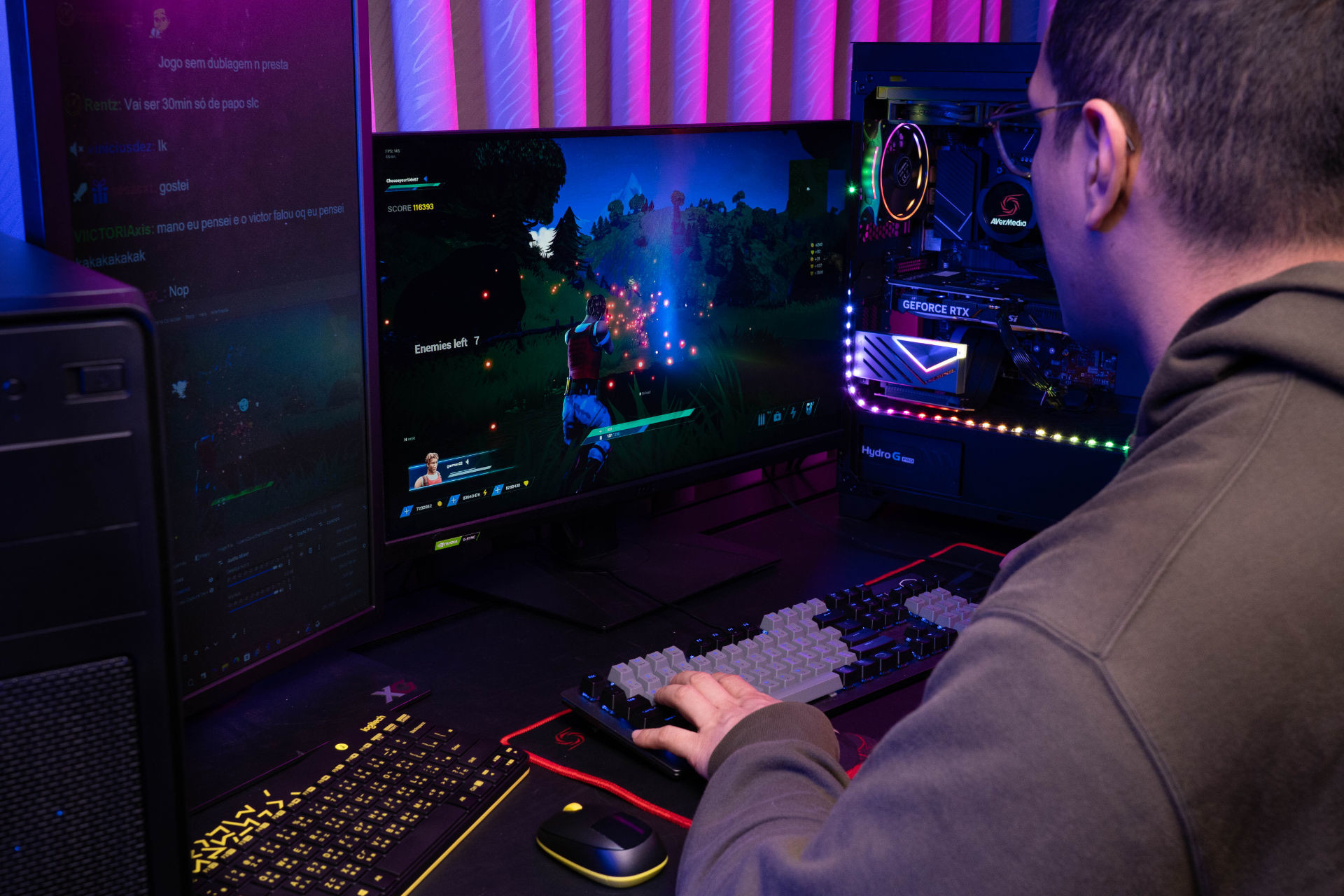
You're ready to go pro—crisp 1080p 60fps with zero lag. But when you check your cart, a mid-range upgrade hits $950. Thanks to the AI boom and chip shortages, building a single "Super PC" has become a luxury sport.
You're stuck with two bad options:
But before you click "buy," look at that old student laptop gathering dust in your closet. You don't need a $1,000 upgrade to fix your stream, you just need to bridge the hardware you already own.
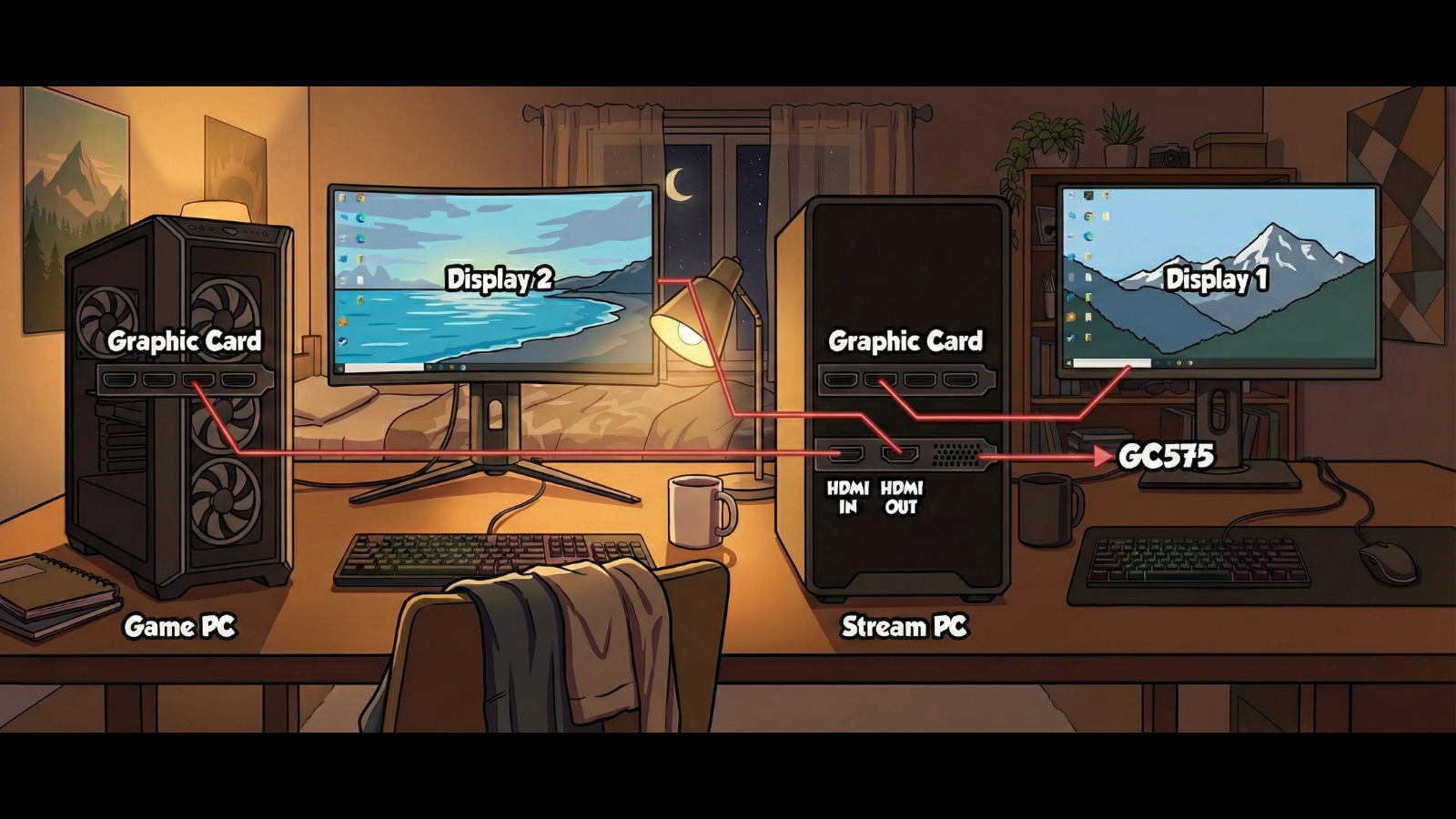
Here is the secret: That dusty laptop in your closet has an unused video encoder waiting for a job. By offloading the heavy lifting of streaming to that old machine, your main gaming rig can focus 100% of its power on gaming, meaning you don't need that expensive component upgrade.
This "Dual PC" approach is the smartest budget hack of 2026. You just need the bridge to connect them: an AVerMedia capture card. Instead of spending $950 on new parts, you spend less than $210. Your gaming FPS goes up, your stream quality becomes flawless, and you keep $800 in your pocket.
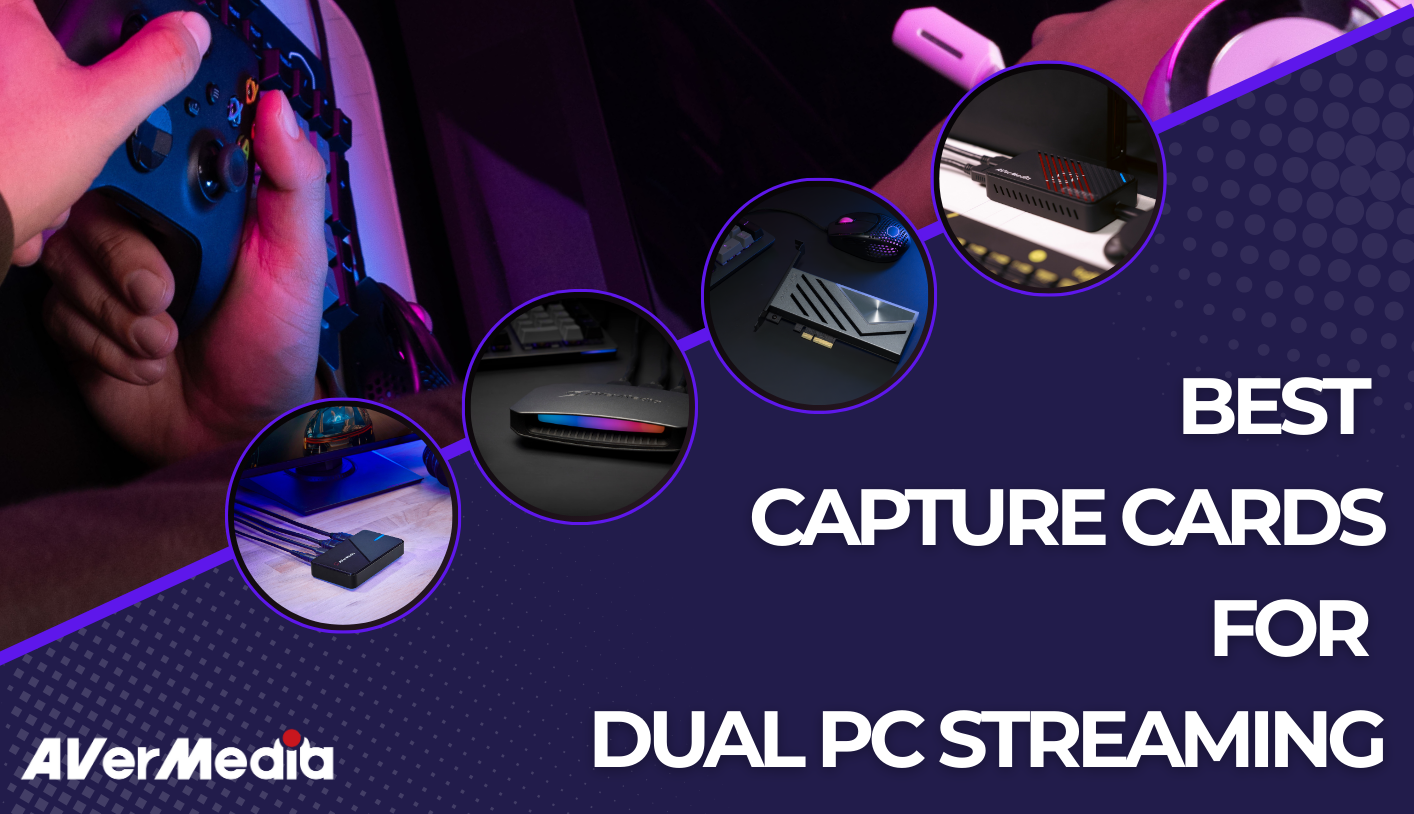
Depending on the hardware you have lying around, here is exactly which card fits your strategy:
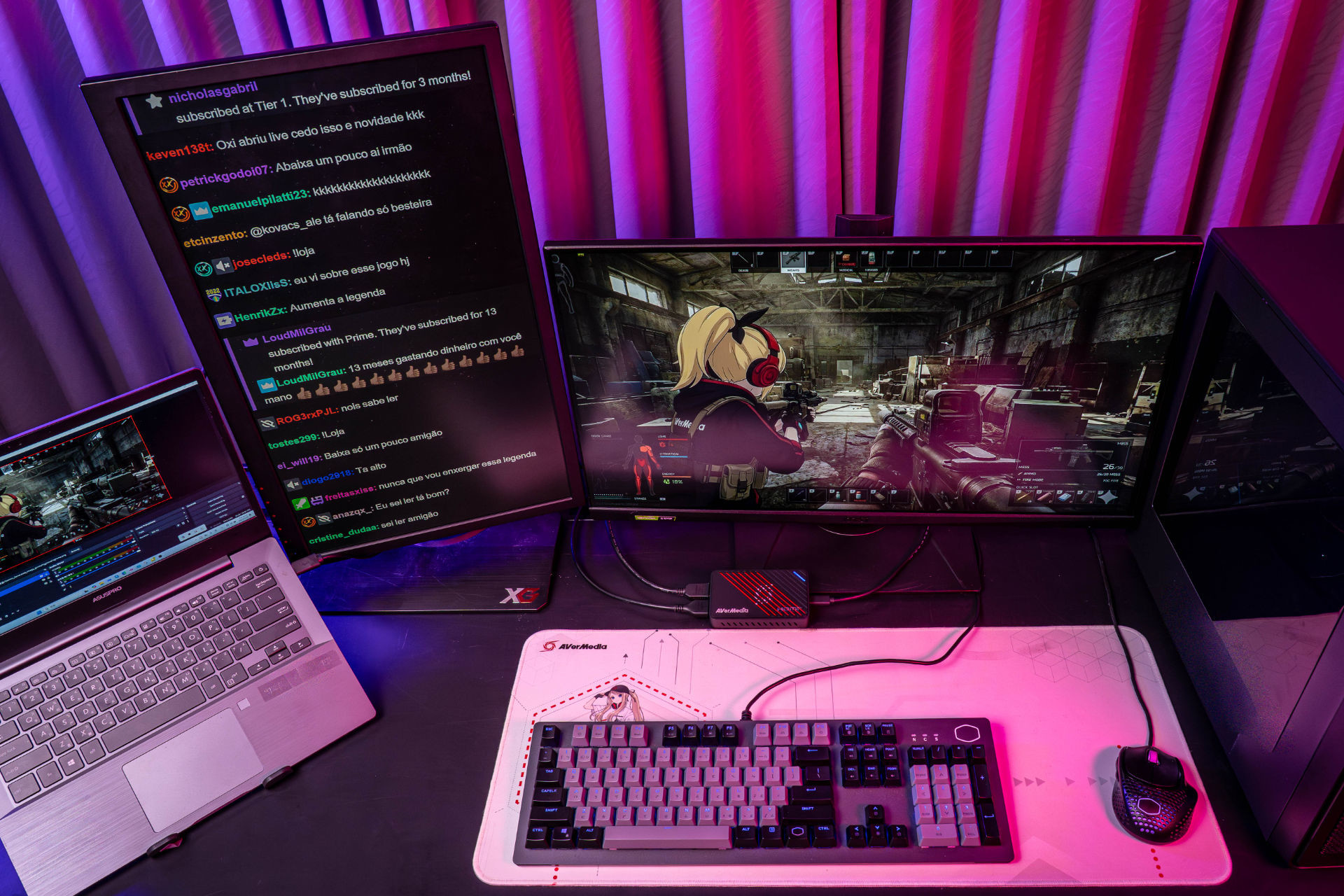
This is the sweet spot for most of us. If you have an extra laptop lying around and you want your stream to look expensive without being expensive, this is the card.
The "Secret Sauce": It features VRR (Variable Refresh Rate) Capture. Most budget cards force you to turn off G-Sync or FreeSync to stream, which makes your game tear. The GC553Pro lets you keep your smooth gameplay and captures it perfectly.
The Visuals : It handles 4K60 Capture effortlessly. This means if you are playing a stunning single-player game like Cyberpunk or GTA VI, your viewers see every pixel in 4K, while your old laptop does all the encoding work.
Who it's for: The cost-conscious gamer who wants to turn a spare laptop into a production powerhouse.
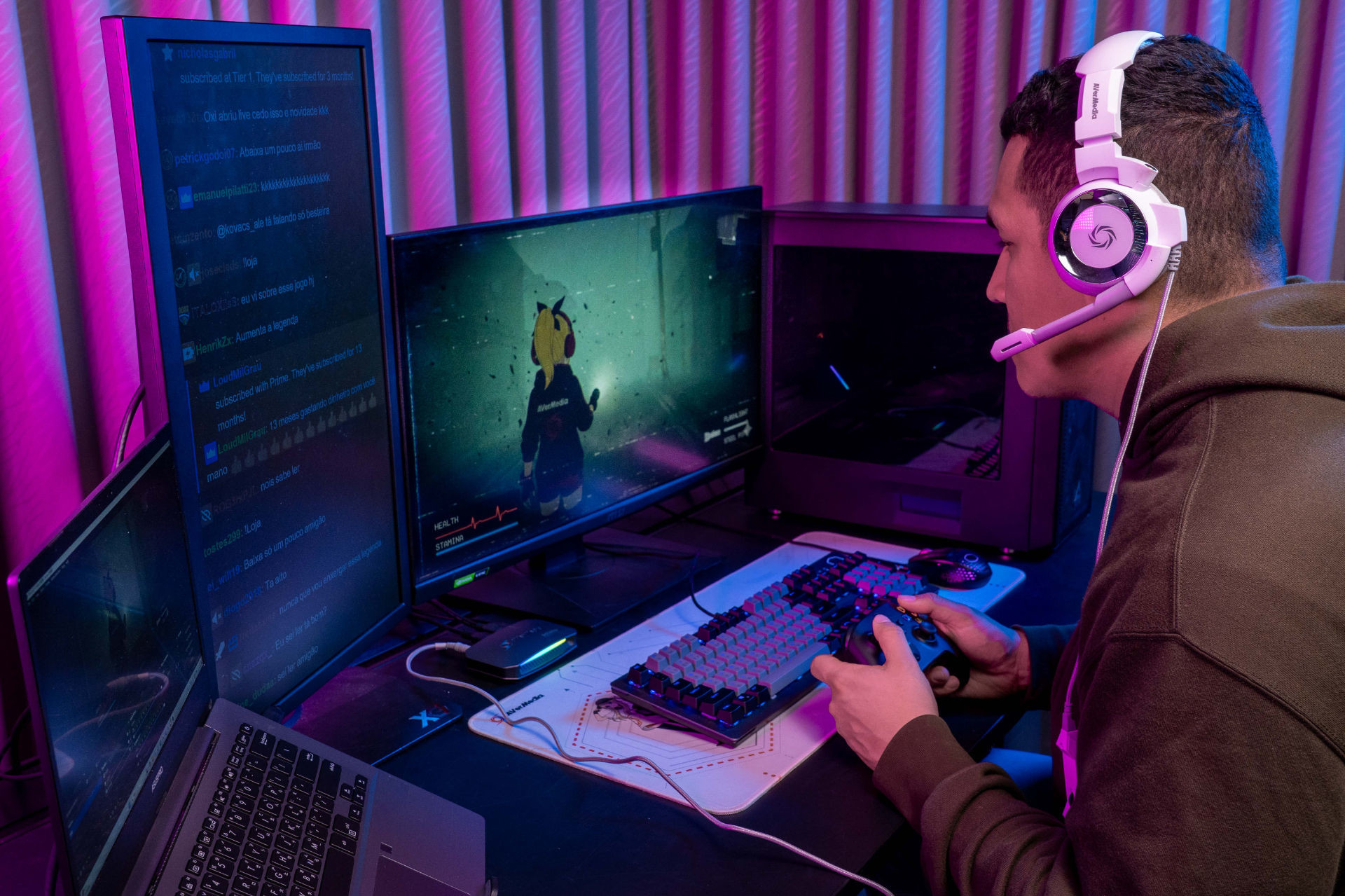
If you are a competitive shooter player (Valorant, CS2, Apex), you probably have a high-refresh-rate monitor. You cannot afford to cap your frames just to stream.
The "Secret Sauce": This card supports 4K144 Pass-Through. That means you can play at a blistering 144Hz (or higher at 1080p) on your main screen, and the card will downscale it for the stream without adding any lag to your game.
Audio Solved: It has dedicated 4-Pole 3.5mm jacks for both your headset and gamepad. You can plug your headset directly into the capture card to listen to game audio and chat without needing complex software mixers.
Who it's for: The pro-streamer who refuses to compromise on speed or visual fidelity.
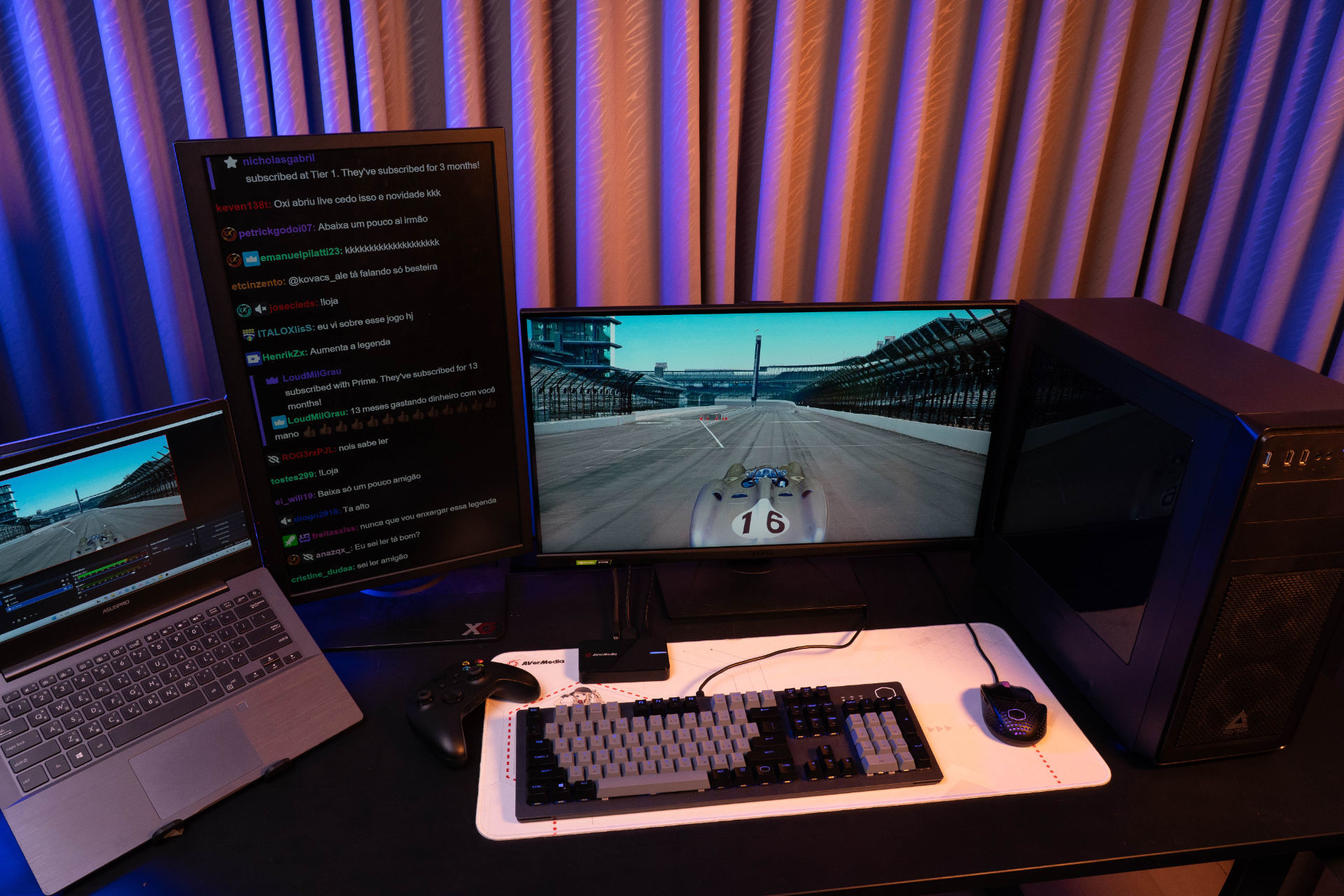
The biggest fear people have with Dual PC setups is audio. "How do I hear the game if the sound is going to the other computer?" The GC551G2 solves this cheaper than anyone else.
The "Secret Sauce" : It features a dedicated Line-In / Line-Out analog feed. You simply output your gaming audio to the card, and the card passes it through to your headphones. No virtual cables, no desync.
The Specs: It still gives you that crucial 4K60 HDR/VRR Pass-Through, so your game looks great, while capturing at a solid 4K30 for your VODs or streams.
Who it's for: The gamer who wants a simple, plug-and-play audio setup without buying a $300 GoXLR.
If you have a second desktop PC (not a laptop) and you want absolute zero latency, don't use USB. Go internal.
The "Secret Sauce": Because it plugs directly into your motherboard (PCIe), the latency is virtually non-existent. It supports 4K60 HDR/VRR Pass-Through and captures massive bandwidth without breaking a sweat.
The Look: It sits inside your case with RGB lighting, keeping your desk clean of cables and dongles.
Who it's for: The enthusiast with a dedicated streaming tower who wants the lowest possible latency.
Let's look at the breakdown one last time.
| Scenario | Required Hardware | Est. Cost | Performance Impact |
|---|---|---|---|
| The "Force It" Upgrade | 32GB DDR5 + New GPU | ~$800 - $950 | Still loses ~15% FPS to OBS overhead. |
| The Smart Dual Setup | Old Laptop (Owned) + AVerMedia Capture Cards | ~Less than $210 | 0% FPS Loss. Encoding is offloaded entirely. |

We've been conditioned to think that a better stream requires a credit card swipe. But when prices are this high, we have to think smarter, not richer.
Repurposing your old gear isn't just a budget hack; it's a cheat code against the market. So seriously, go check your closet.
That dusty laptop isn't e-waste—it's the dedicated streaming partner you've owned all along.
Don't let the hardware crisis stop you from creating.
Just build the bridge