

GTA VI launches November 19, 2026 on PS5 and Xbox Series X|S. If you plan to stream, record, or clip your first session, test your video, audio, recording, and connection setup beforehand. This guide covers two AVerMedia capture cards the Live Gamer ULTRA S GC553Pro (4K60) and Live Gamer ULTRA 2.1 GC553G2 (HDMI 2.1, 4K144 pass-through) plus a pre-launch checklist so you're ready to hit Go Live.
November 19, 2026 is the date. Grand Theft Auto VI is coming to PlayStation 5 and Xbox Series X|S with a new level of visual detail, richer environments, and an experience built for next-gen gaming.
Pre-orders are already open. So while you're getting the game ready, why not get your setup ready too?
For gamers, the plan is simple: launch the game and play.
For creators, there is a little more to think about.
Because when the game finally arrives, you won't just want to play it. You might want to stream your first session, record the highlights, or capture that one moment everyone starts talking about.
So before you hit Go Live, here's what to have ready.
Get Your Game Ready for Capture
Your setup should let you enjoy the game at its best while giving your PC everything it needs for streaming and recording.
That starts with the connection between your console, display and capture card.
If you're playing on a high-refresh display, features like HDMI 2.1, HDR and VRR can make a real difference to the gameplay experience. The right capture card lets you keep those features in your play setup while bringing your gameplay into your content workflow.
• Record in 4K
Want to record your gameplay in 4K?
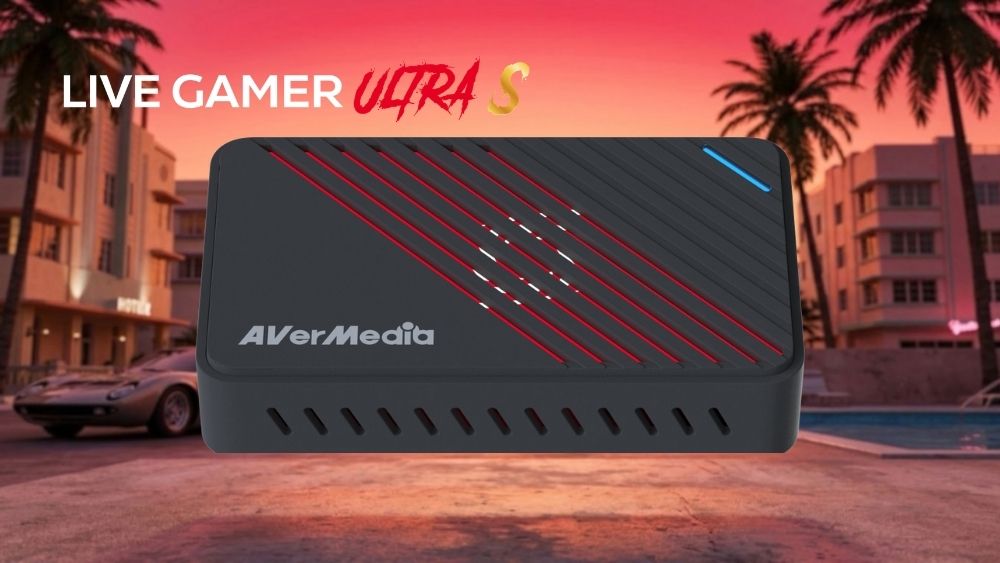
Live Gamer ULTRA S GC553Pro supports up to 4K60 capture and 4K60 HDR/VRR pass-through, with additional high-refresh options such as 1440p144 and 1080p240. It also supports VRR recording through AVerMedia Streaming Center.
It's a solid option for creators focused on 4K recordings, livestreams and gameplay highlights.
Learn more about Live Gamer ULTRA S GC553Pro →GC553Pro
• For HDMI 2.1 Gaming Setups
Live Gamer ULTRA 2.1 GC553G2 is built for creators who don't want their capture setup to hold back their gaming experience.
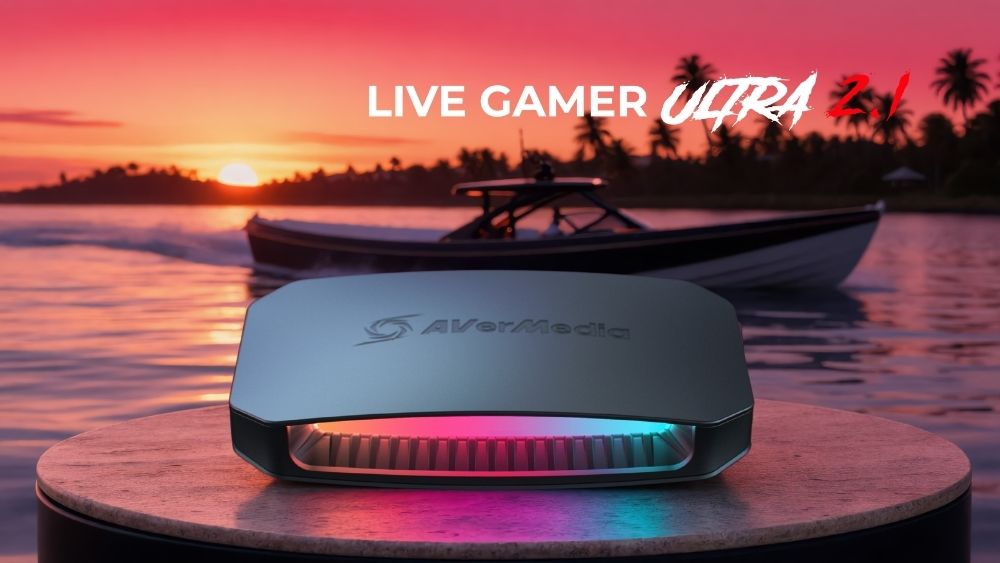
With HDMI 2.1, it supports up to 4K144 HDR/VRR pass-through, with higher refresh-rate options including 1440p240 and 1080p360. Capture resolution depends on OS: up to 4K144 on Windows via AVerMedia Streaming Center, and up to 4K60 on macOS via OBS.
So, if your setup is built around a high-refresh display, you can keep the features you want for playing while capturing your gameplay for content.
Learn more about Live Gamer ULTRA 2.1 GC553G2 →GC553G2
Before You Hit “Go Live”
The best time to test your setup isn't when the game launches.
Give yourself a few minutes beforehand.
- • Video
Can you see your console gameplay on your display and in your recording software? - • Audio
Can you hear the game clearly? Is your microphone coming through at the right level? - • Recording
Is your resolution and frame rate set the way you want? Do you have enough storage? - • Stream
Are your scenes, camera, alerts and overlays ready? - • Connection
Are your HDMI and USB connections suitable for the resolution and refresh rate you're planning to use?
Then do one simple thing:
Record a test. Watch it back. Fix anything that feels off.
Ready for launch day?
Explore AVerMedia Capture Cards → AVerMedia | Capture Card Selector
AVerMedia is not affiliated with, sponsored by, or endorsed by Rockstar Games or Take-Two Interactive. Grand Theft Auto VI and related trademarks belong to their respective owners.
FAQ
Q: Can I play in 4K while streaming or recording?
A: Yes. The exact resolution and frame rate depend on your capture card, display, and software configuration. For example, GC553G2 supports up to 4K144 HDR/VRR pass-through, and capture up to 4K144 on Windows via AVerMedia Streaming Center, or up to 4K60 on macOS via OBS.
Q: Do I need HDMI 2.1 for my gaming setup?
A: If you're using a high-refresh HDMI 2.1 display, the right capture card can help you take full advantage of 4K resolution, HDR, VRR, and higher refresh rates through pass-through. GC553G2 supports HDMI 2.1 pass-through, including up to 4K144 HDR/VRR, so you can keep your gaming experience smooth while capturing gameplay for streaming or recording.