


Stream Smarter, Not Harder Streaming Center
The Central Hub of Your Streaming
Streaming Center serves as a centralized control hub for managing and optimizing all your supported AVerMedia devices. It also provides customization options for your live stream. With its intuitive interface streamlining the streaming process, you can focus wholly on delivering captivating content.

Central hub for live streaming and recording
Control Devices
The Streaming Center is an all-in-one platform designed to perfect the streaming experience for AVerMedia's products.
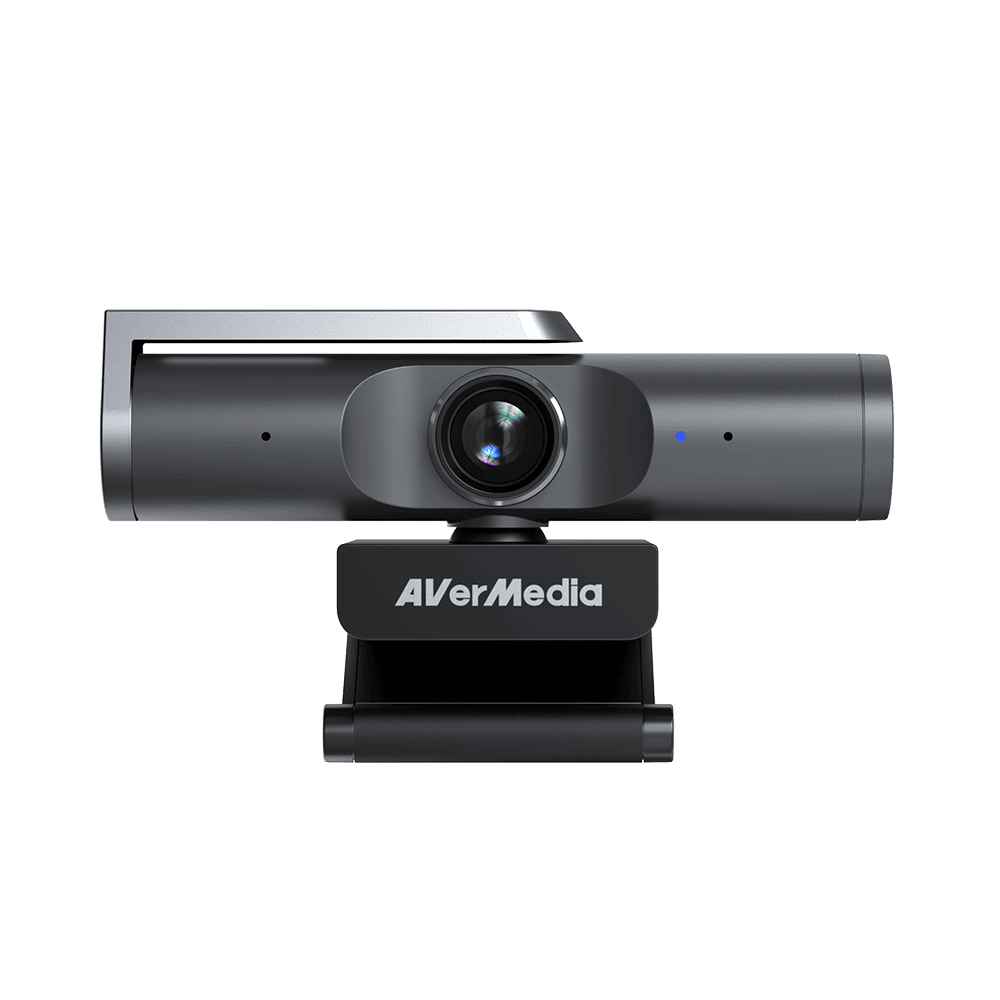
Webcam
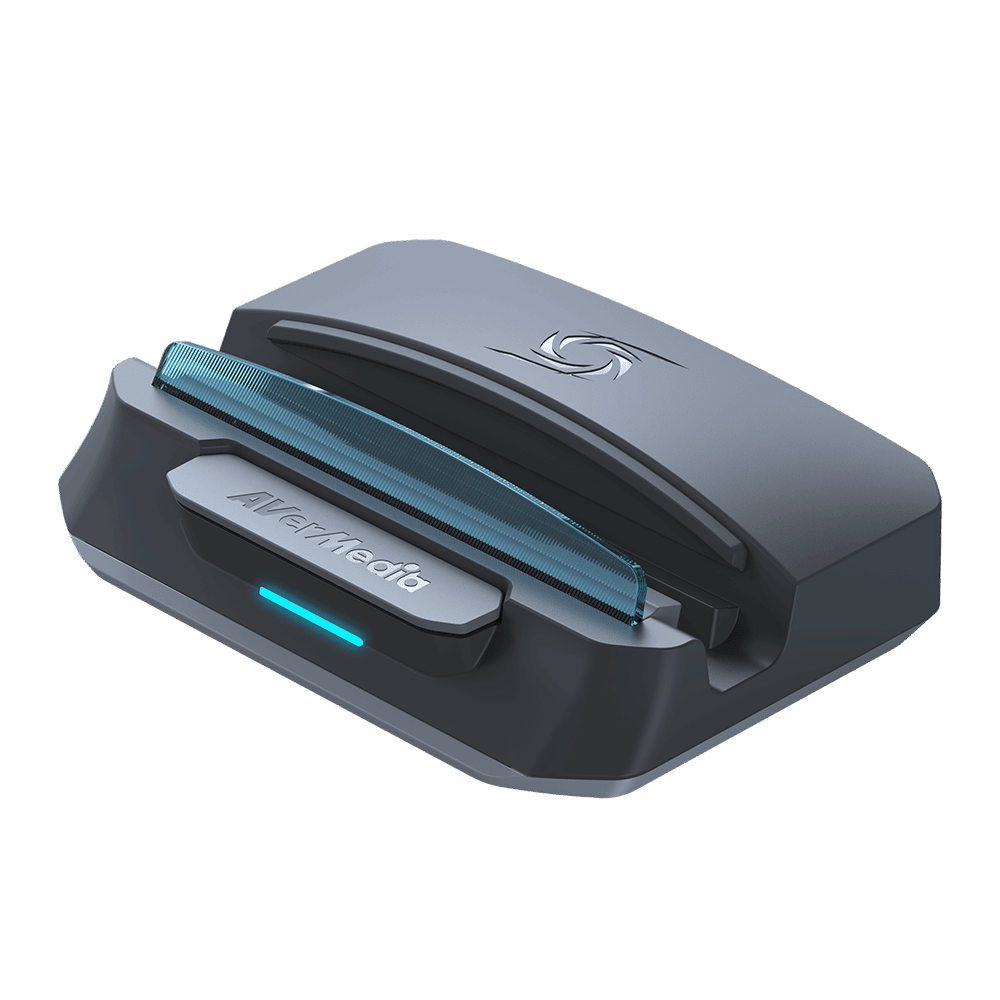
Capture Card
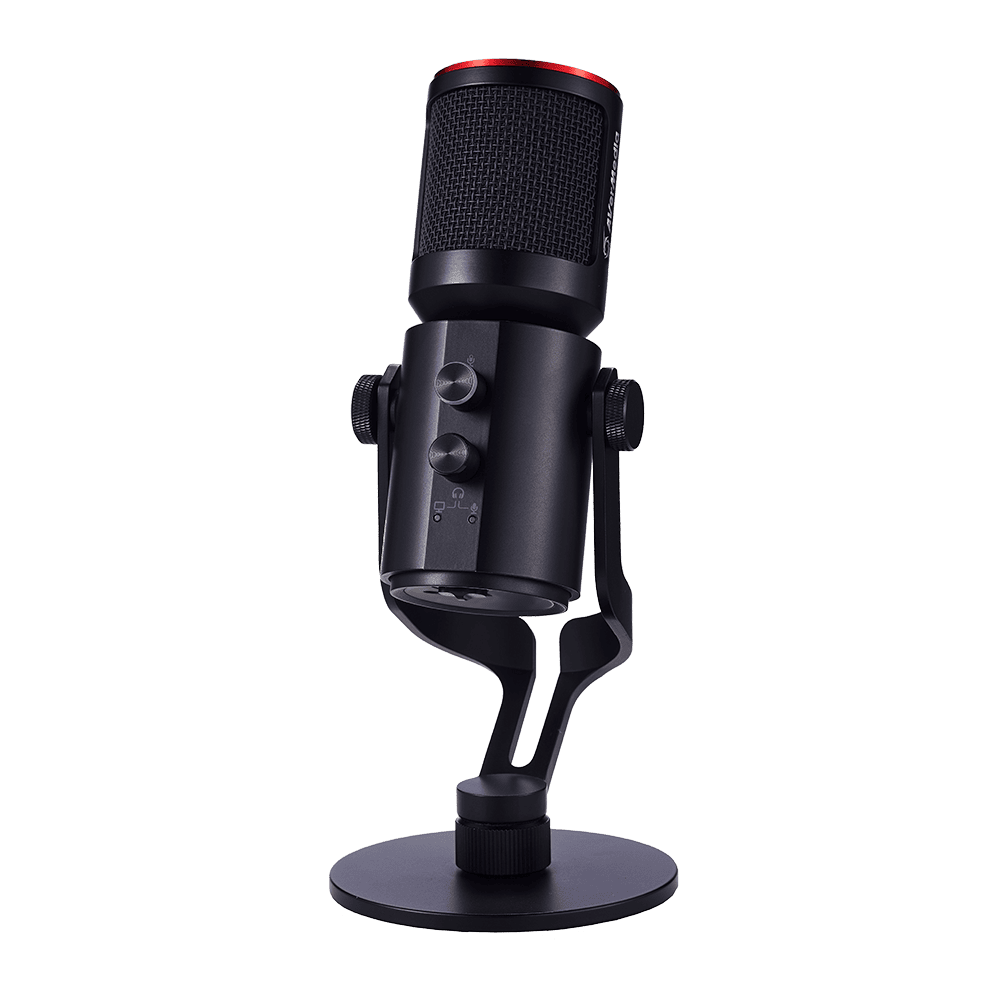
Microphone


Easy and Hassle-Free Use
The Streaming Center makes it easy to record, broadcast, and stream in real time with fully customizable video and audio settings—delivering a smoother, more professional experience.

Personal Home Streaming

Professional Studio Streaming

Recording and Broadcsating


Effortless Layout Editing for Live Streaming
Our powerful feature enables you to preview and fine-tune scenes and sources before going live, providing you with full control over your content. This capability is especially advantageous when dealing with multiple sources, empowering you to make adjustments, create new scenes, and ensure a flawless experience for your viewers. Moreover, you can customize each layer element to elevate the energy and excitement of your broadcasts. Get ready to take your live streaming to new heights!

Next-Gen Streaming with H.264, H.265, and AV1 Encoding
Streaming Center supports H.264, H.265, and the next-generation AV1 codec, giving creators the flexibility to choose the right balance of quality, efficiency, and compatibility. H.264 ensures the widest platform support, H.265 offers improved compression with reliable performance, and AV1 delivers exceptional efficiency that enables cleaner high-resolution streams on modern hardware. Whether you need maximum compatibility or want to push visual quality to a higher level, Streaming Center provides advanced encoding options that enhance every production.

Which should you choose?
For live streaming
Use H.265 or the widely supported H.264 encoder.
For high-quality recordings
Consider AV1 if your hardware supports it, as it can provide a better quality-to-file-size ratio.
For maximum compatibility
Stick with H.264, which is the most widely supported encoder.


AI-Powered Clarity
with RTX Video Super Resolution

Streaming Center now supports NVIDIA RTX Video Super Resolution , bringing AI-enhanced upscaling to your content. Instantly refine old or low-resolution footage into near-4K clarity, sharpen edges, and elevate the viewing experience on modern high-resolution displays. Perfect for upgrading classic game recordings, legacy streams, or any content that deserves a new level of visual quality.

Choose Your
Streaming Orientation
Switch freely between landscape and portrait modes to match how you want your content to appear. Whether your camera is positioned horizontally or vertically, Streaming Center lets you go live in the format that feels right for your audience.

Total Audio Control at Your Fingertips
Achieve top-notch recording effects with easy-to-use settings that allow you to adjust a wide range of audio configurations, including advanced noise reduction and gain features in your recordings. Enjoy a variety of audio effects, clipping protection, and even explore our collection of tailored sound effect scenarios.


AI-powered noise reduction identifies and removes any ambient sounds that could interfere with smooth conversations. Minimize unwanted noise for clearer communication and enhanced focus.

*We do not offer audio tuning assistance.

Stream to Multiple Platforms at Once
Reach your audience wherever they are: YouTube, Twitch, Facebook, Kick and more. Once logged into your account through Streaming Center, you can easily select multiple platforms and stream to all of them with a single click.
Wide Compatibility
Supports all your favorite streaming platforms and more.



*All logos, trademarks and registered trademarks are the property of their respective owners.
Main Functions
● AVerMedia only
● For BU113, BU113G2, GC531 and GC535 only
● For capture cards that support P010 format
● For GC553G2, GC553Pro, GC551G2, GC575 and GC573 only
| Functions | Capture Cards | Webcams | Microphones |
|---|---|---|---|
| Image Adjustment | ● | ● | |
| Auto Framing (PW515 only) | ● | ||
| Gesture Control (PW515 only) | ● | ||
| Capture Card Format Setting | ● | ||
| Keystone Correction (PW313D Right Camera only) | ● | ||
| DIRAC Scenarios (AM350 only) | ● | ||
| Audio Noise Detection Alert | ● | ● | |
| Audio Noise Reduction | ● | ● | ● |
| Echo Cancellation | ● | ● | ● |
| De-Esser | ● | ● | |
| Amplification (Gain) | ● | ● | |
| Half Step Tuning | ● | ● | |
| Reverb | ● | ● | |
| EQ | ● | ● | |
| Volume Control | ● | ● | |
| Compressor | ● | ● | |
| Clipping Shield | ● | ||
| Record HDR | ● | ||
| Director Mode & Easy Mode Switch | ● | ● | ● |
| Add Window & Image Source & Text | ● | ● | ● |
| Record | ● | ● | ● |
| Flip & Mirror | ● | ● | ● |
| RTMP Streaming | ● | ● | ● |
| Add Scene | ● | ● | ● |
| Add Audio Device | ● | ● | ● |
| Image PIP Control | ● | ● | ● |
| Virtual Camera | ● | ● | ● |
| Vertical Video | ● | ● | ● |
| Profile | ● | ● | ● |
| Change Canvas Resolution & FPS | ● | ● | ● |
| Streaming Resolution & Format Settings | ● | ● | ● |
| Zoom Function | ● | ● | ● |
| Screenshot | ● | ● | ● |
| Full-Screen Preview | ● | ● | ● |
| Stream Quality Indicator | ● | ● | ● |
| Hotkey Support | ● | ● | ● |
| HDR Tone Mapping & Brightness Adjustment | ● | ||
| NVIDIA RTX Video Super Resolution | ● | ||
| AV1 Encoding | ● |
Rich and Multifaceted Capabilities
-

eTraining Videos
-

Online Events or Webinars
-

Life or Game Streaming
-

Live Streaming Commerce