
AVerMedia
  • Products
    • Webcams
      • 4K UHD
      • 1080 FULL HD
      • Kits
    • Capture/Converter
      • 4K Capture
      • 1080p60 Capture
      • AV / S Video Capture
      • DSLR / Camcorder capture
      • Video Converter
    • Audio
      • Speakerphones
      • Soundbars
      • Microphones
      • Wireless Microphone
      • Accessories
    • Control Center
      • Creator Central
    • Video Bar
      • Mingle Bar
    • Streaming Expansion Station
      • Video Product
      • Audio Product
    • Software
      • Streaming Software
  • Solutions
    • Workspaces
      • Products of the Month
      • Game Streamer
      • Video Content Creator
      • Work From Home
      • Education
      • How To
      • Corporate
  • Support
    • Support
      • Downloads & FAQ
      • Technical Support
      • Warranty & RMA Services
      • Where to Buy
      • Certification
  • Store
  • Store
  • Edge AI Solutions
  • About AVerMedia
    • About AVerMedia
      • About AVerMedia
      • Contact Us
      • 投資人關係
      • ESG & CSR
      • Recruiting
  • Account
  • Search
  • Language
  • Contact
Mobile nav

Live Streamer - For Mobile

Overview Specifications Q&A
Where to Buy

Live Streamer

Play, Create and Stream on the GO
All From Your Mobile Device

Turn your iPad or Android tablet or phone into a lightweight yet powerful way to play, record, and live stream - ready whenever and wherever you are.

Get it free

App Store

Requires iPadOS 26 or later

Google Play

Requires Android 15 or later

Live Streamer + GO Series Turn Your Tablet Into Your Screen

With the GO Series capture, your tablet becomes a full-screen display for external gameplay and content. Add the Live Streamer app, and it becomes more than just a screen. You can record and live stream directly from your mobile device*, without a laptop.
Light to carry. Simple to start. More freedom to play and create wherever you go.
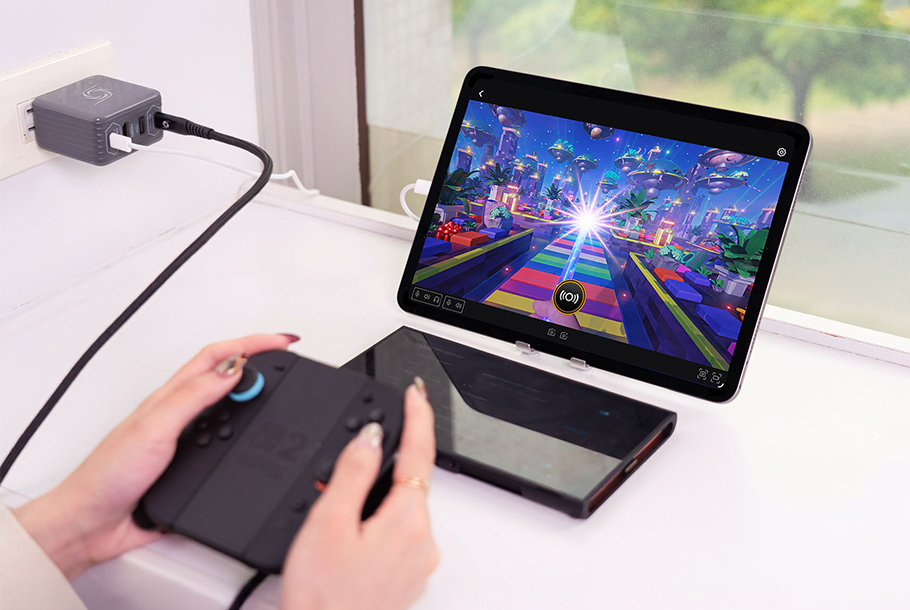
*Compatible with iPad (USB-C), and Android devices (USB-C) supporting USB OTG and external UVC video capture.


Lightweight Setup. One-Click Streaming.

Connect the GO Series capture to your tablet or smartphone and launch Live Streamer. No complex routing, no extra gear, just one simple setup to play, record, or go live on the spot.
Perfect for creators who want to start immediately, wherever they are.


Stream Without Sacrificing Your Voice

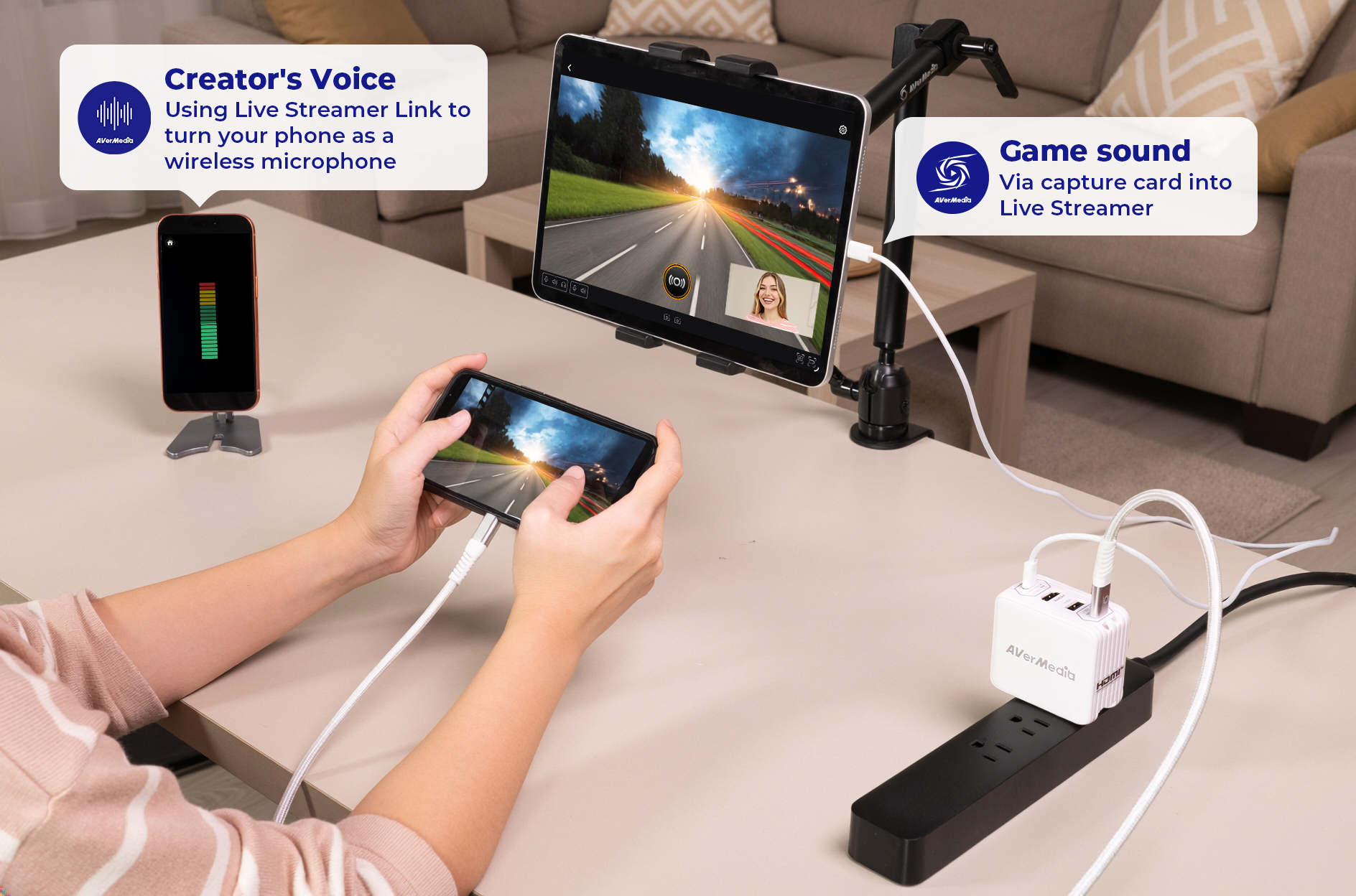
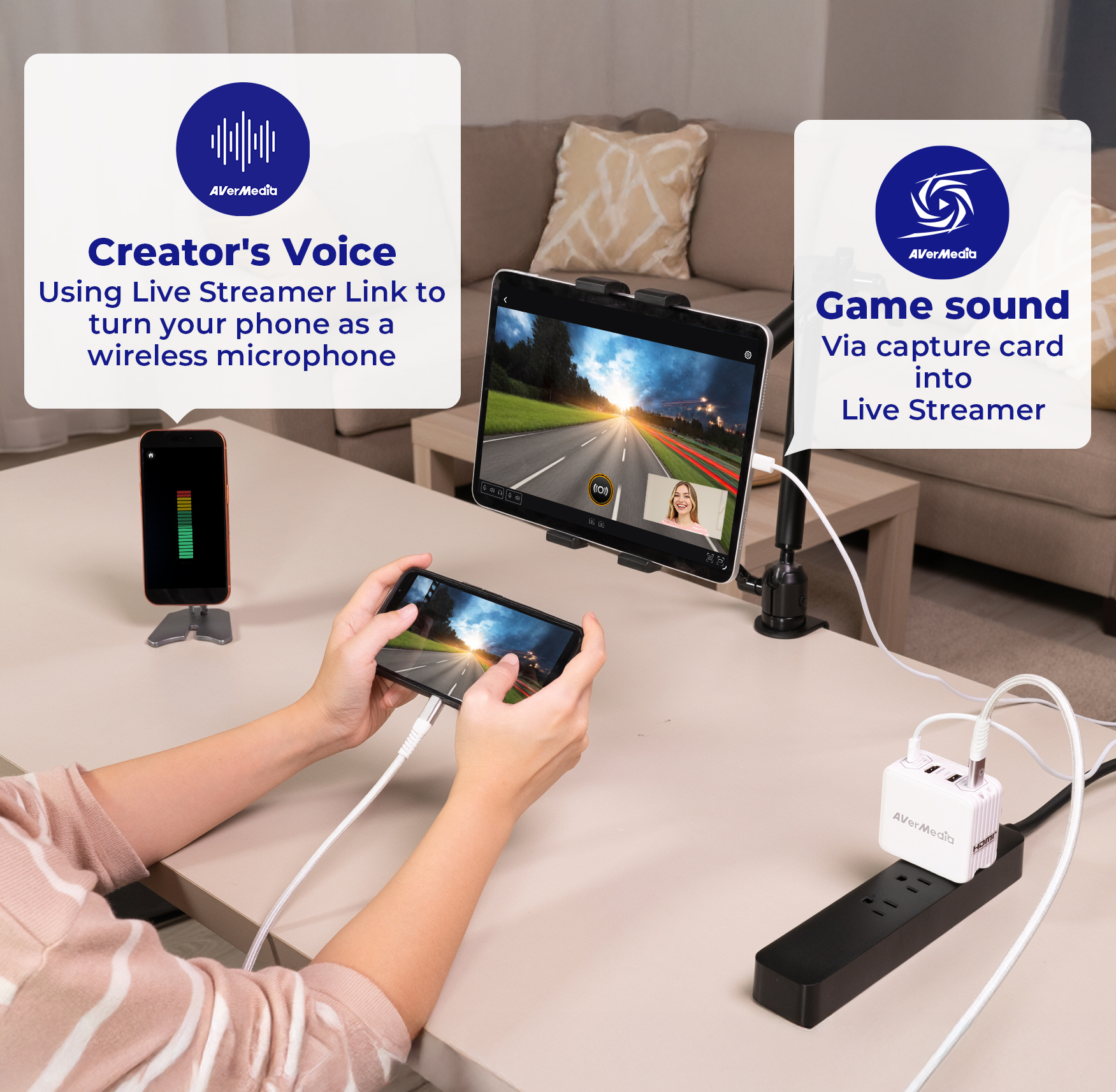
When streaming on iPad, usually one audio source can be selected at a time: game sound or streamer voice.
Live Streamer Link lets you bring your voice back via a wireless connection.
Because your stream isn't complete without you.

Get it free
Live Streamer Link

App Store

Requires iOS 26 or later

Google Play

Requires Android 14 or later

Show Your Content - and Yourself

Streaming isn't just about what you show. It's about how you connect.
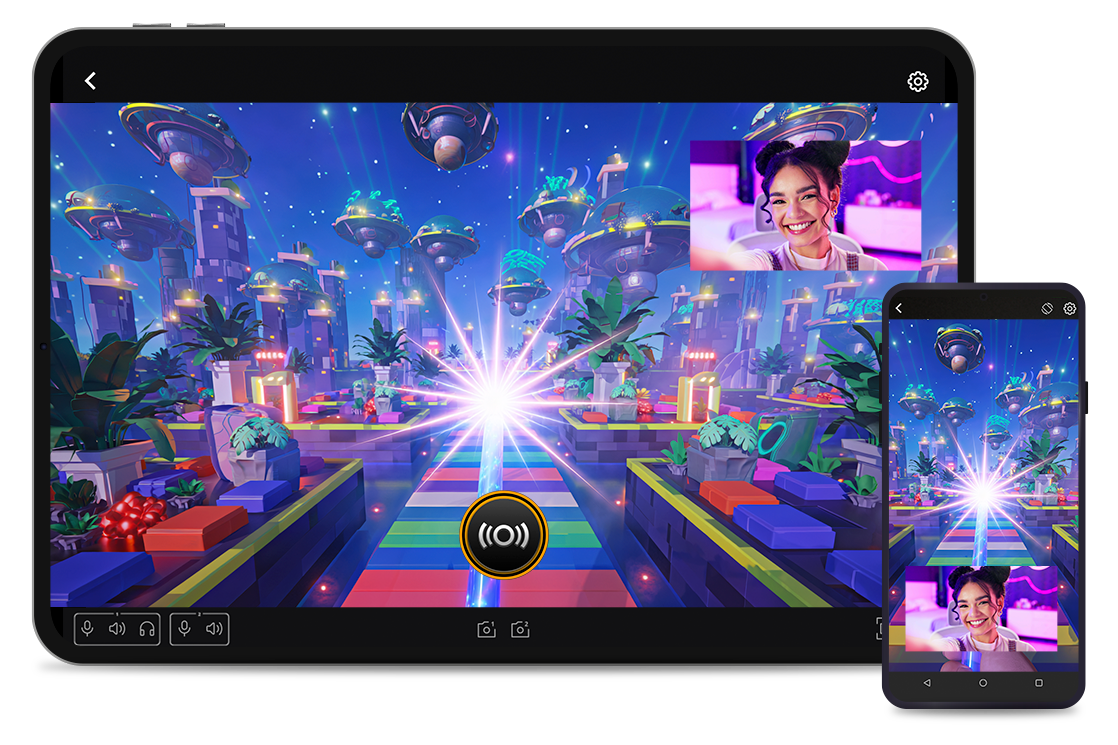
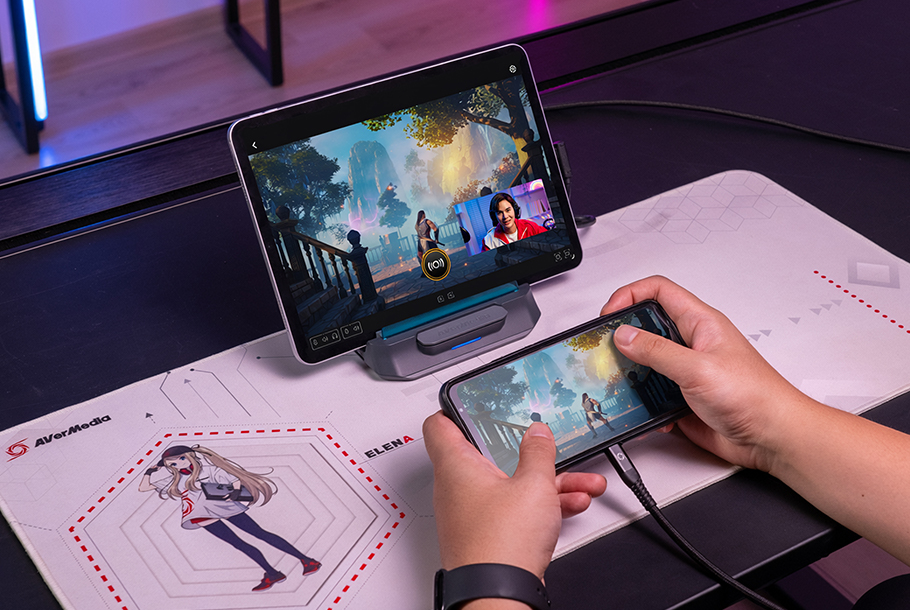
With picture-in-picture, Live Streamer brings your captured content and real-time reactions together in one stream, perfect for gameplay, app demos, and tutorials.

More Ways to Stream and Share
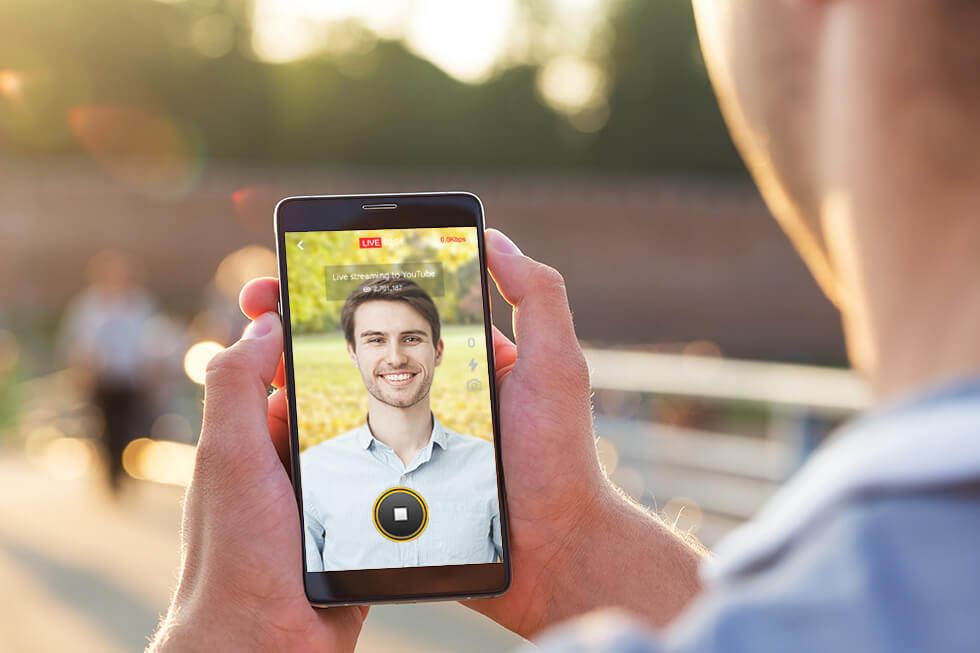
Stream Your Mobile Screen

Go live directly from your mobile device using the Screen Capture feature for instant sharing.

More Ways to Stream and Share
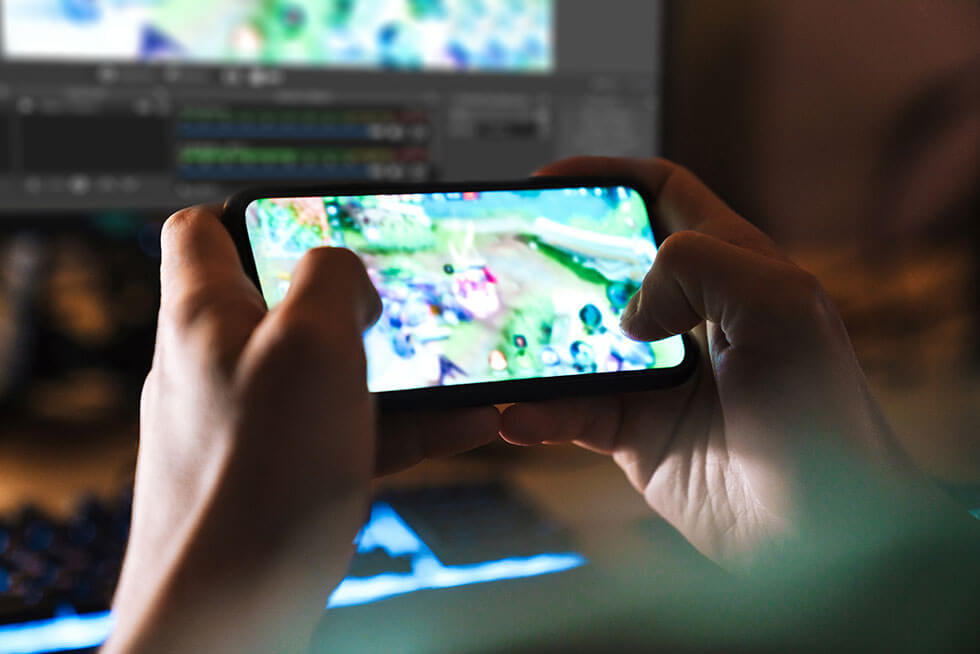
Cast to Computer

Send your mobile screen to a PC as a video source for advanced recording and streaming setups.

Streaming on Major Platforms

Go live on YouTube, Twitch, Facebook, or stream to any platform via RTMP - all from your mobile setup.

Download now

Live Streamer

App Store

Requires iPadOS 26 or later

Google Play

Requires Android 15 or later

Live Streamer Link

App Store

Requires iOS 26 or later

Google Play

Requires Android 14 or later

System Requirements Live Streamer
  • iPadOS 26 or later (Requires iPad with M1 chip or later, USB-C port)
  • Android 15 or later (Requires USB-C tablet or phone that supports USB OTG and external UVC video capture)

* Note: iPhone is currently not supported for external video capture due to iOS system restrictions.


Live Streamer Link
  • iOS 26 or later
  • Android 14 or later
Supported AVerMedia Capture Cards
  • X'TRA GO (GC515)

    Before using Live Streamer, please make sure the GC515 firmware has been updated to version ( v.1.0.2.21) or later.

  • ELITE GO (GC313Pro)

* Note: All specifications are subject to change without prior notice.

Q&A

Party Chat
Switch 2
Audio
Micro SD Card
VRR
Troubleshooting
疑難排解
Settings
MAC M1
How do I start to use the Device
Software Usability
Hardware usability
Features/Functions
OBS
Chromebook
Windows
Mac OS
セットアップ
セットアップ・仕様
接続機器・設定
4K / HDR対応
VRR対応
音声端子
仕様
仕様・ソフト
仕様・ソフト(コントロール部)
仕様・ソフト(ミキサー部)
ストレージ
(PCモード)仕様・ソフト
(単体モード)仕様・設定
録画
配信
実況
再生
再生・編集
編集
Mac対応
相性
動画編集ソフト
ファイル管理
アップロード
ソフト
購入前のお問合せ
F225本体・付属品
セットアップ、Wi-Fi接続
テレビ視聴、設定画面
録画、予約録画、録画再生
アプリ
番組表
通信
設定
その他
困った時は
更新
EOL All
Streaming
Capturing
All Topics
Recording
Storage
Indicator Light
File management
Voice Commentary
GameMate
Upload
Playback & Video Quality
Editing & Converter
Live Stream
Installation
Watching TV
Stream Engine
Comparison Chart
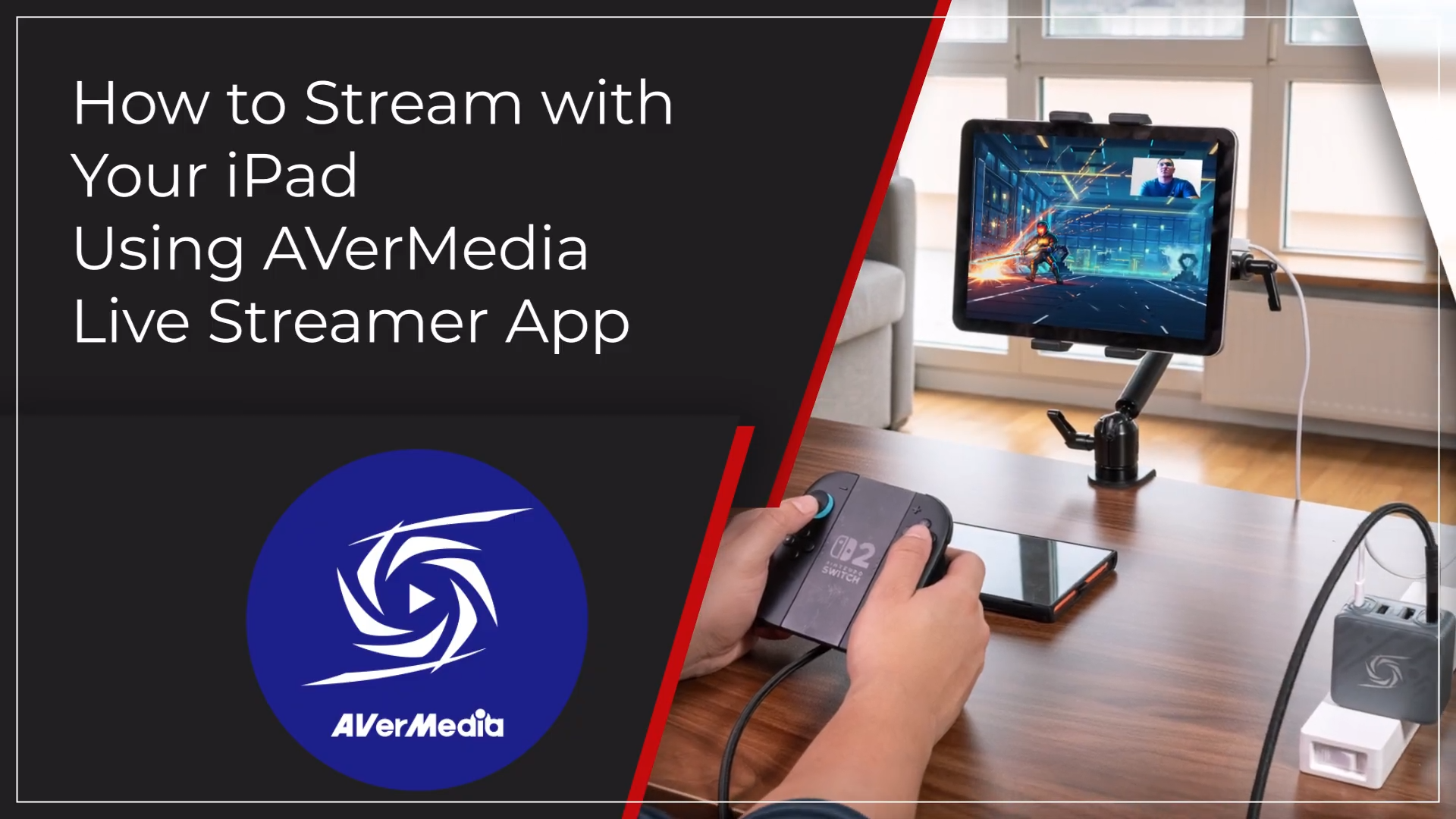
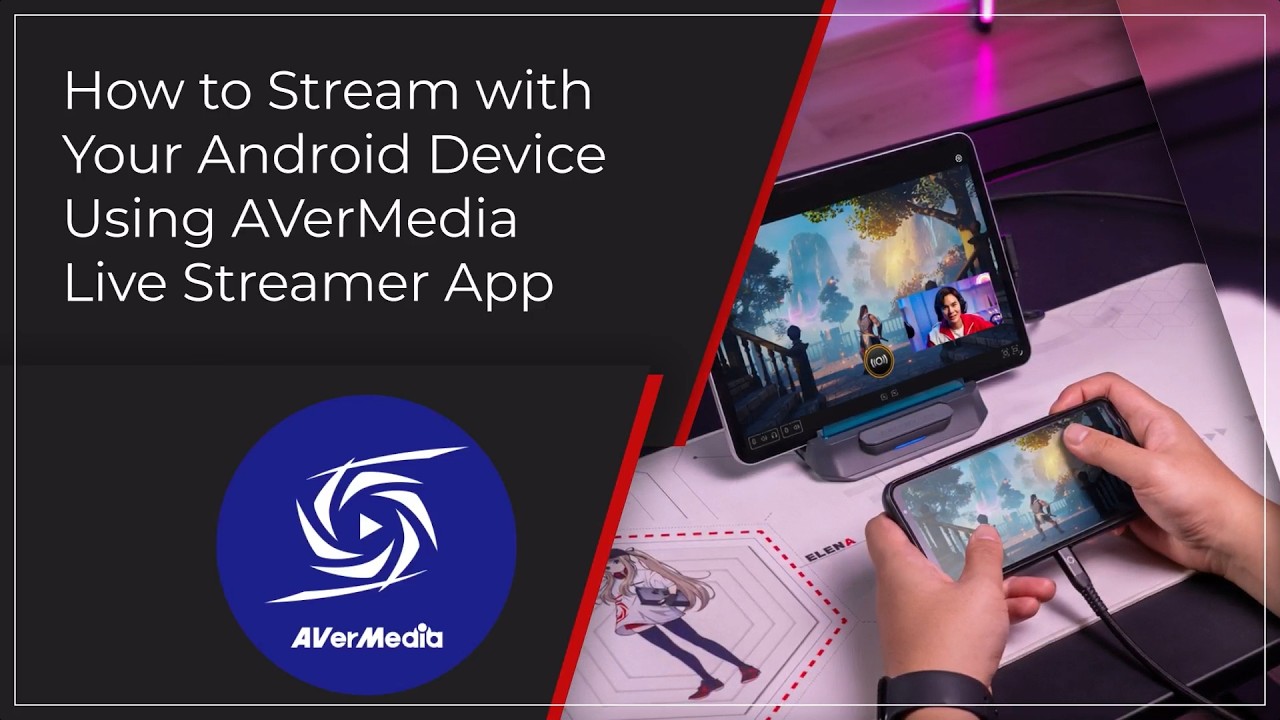
Why can't I add a second audio source on the iPad? How to Use the Live Streamer App on Android devices How to Use the Live Streamer App on iPad
Show More
×
  • About AVerMedia
    • About AVerMedia
    • Contact Us
    • 投資人關係
    • ESG & CSR
  • Media
    • Press
    • Media Review Articles
    • Creator Review Videos
    • Official Product Videos
    • Product Tutorial Videos
    • Awards
  • Support
    • Downloads & FAQ
    • Technical Support
    • Warranty & RMA Services
    • Where to Buy
    • EOL
  • Other
    • Blog
    • Workspace
    • Store
    • Store
    • Business Inquiry
    • AVerMedia Member Club
    • AVerMedia Partner Portal
    • Strategic Partner
    • TAA Compliance
    • NDAA Compliance
    • Privacy Policy
    • Terms of Service
fb
linkedin
twitter
youtube
reddit
Language
Copyright © AVerMedia.
  • Products
    • Webcams
      • 4K UHD
      • 1080 FULL HD
      • Kits
    • Capture/Converter
      • 4K Capture
      • 1080p60 Capture
      • AV / S Video Capture
      • DSLR / Camcorder capture
      • Video Converter
    • Audio
      • Speakerphones
      • Soundbars
      • Microphones
      • Wireless Microphone
      • Accessories
    • Control Center
      • Creator Central
    • Video Bar
      • Mingle Bar
    • Streaming Expansion Station
      • Video Product
      • Audio Product
    • Software
      • Streaming Software
  • Solutions
    • Workspaces
      • Products of the Month
      • Game Streamer
      • Video Content Creator
      • Work From Home
      • Education
      • How To
      • Corporate
  • Support
    • Support
      • Downloads & FAQ
      • Technical Support
      • Warranty & RMA Services
      • Where to Buy
      • Certification
  • Store
  • Store
  • Edge AI Solutions
  • About AVerMedia
    • About AVerMedia
      • About AVerMedia
      • Contact Us
      • 投資人關係
      • ESG & CSR
      • Recruiting
Language